Global Config (cluster)
This article refers to Platform v3.1.0. The current Platform version is v3.4.0.
Overview
The Global Config card at the cluster level mirrors the single-node Global Config, but scoped to every workload running on the cluster. Barbara synchronises it across every node in the cluster automatically, so every application sees the same JSON payload regardless of where it runs.
Global Config card
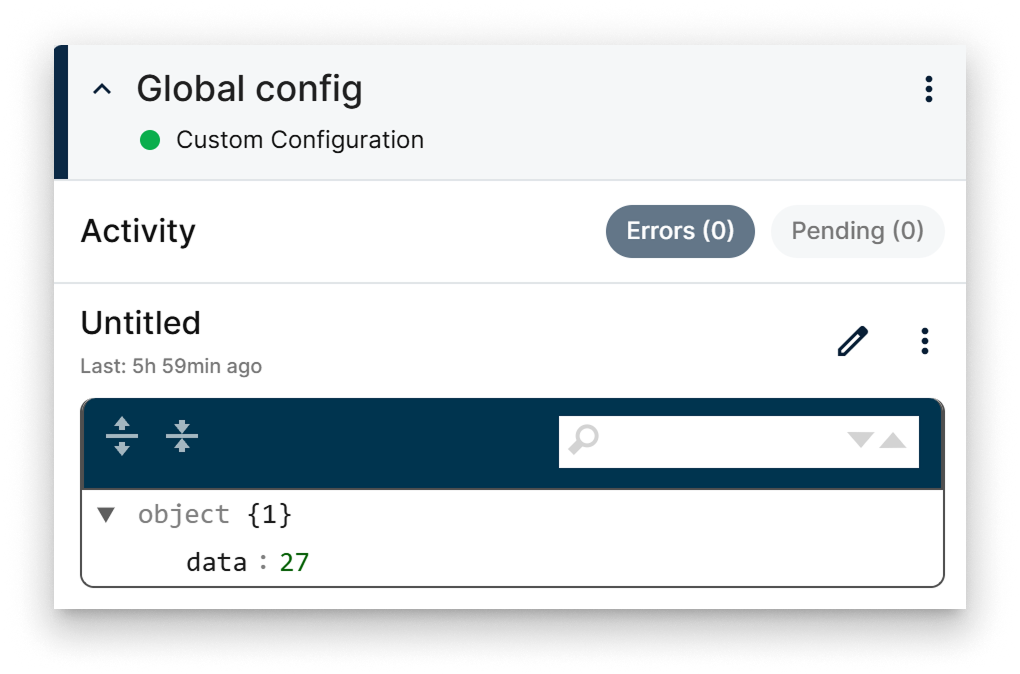
Global Config card
The card surfaces:
- The current JSON payload.
- Status indicators for errors and pending changes.
- The last update timestamp.
- An Edit button that opens the editor popup.
Edit the JSON
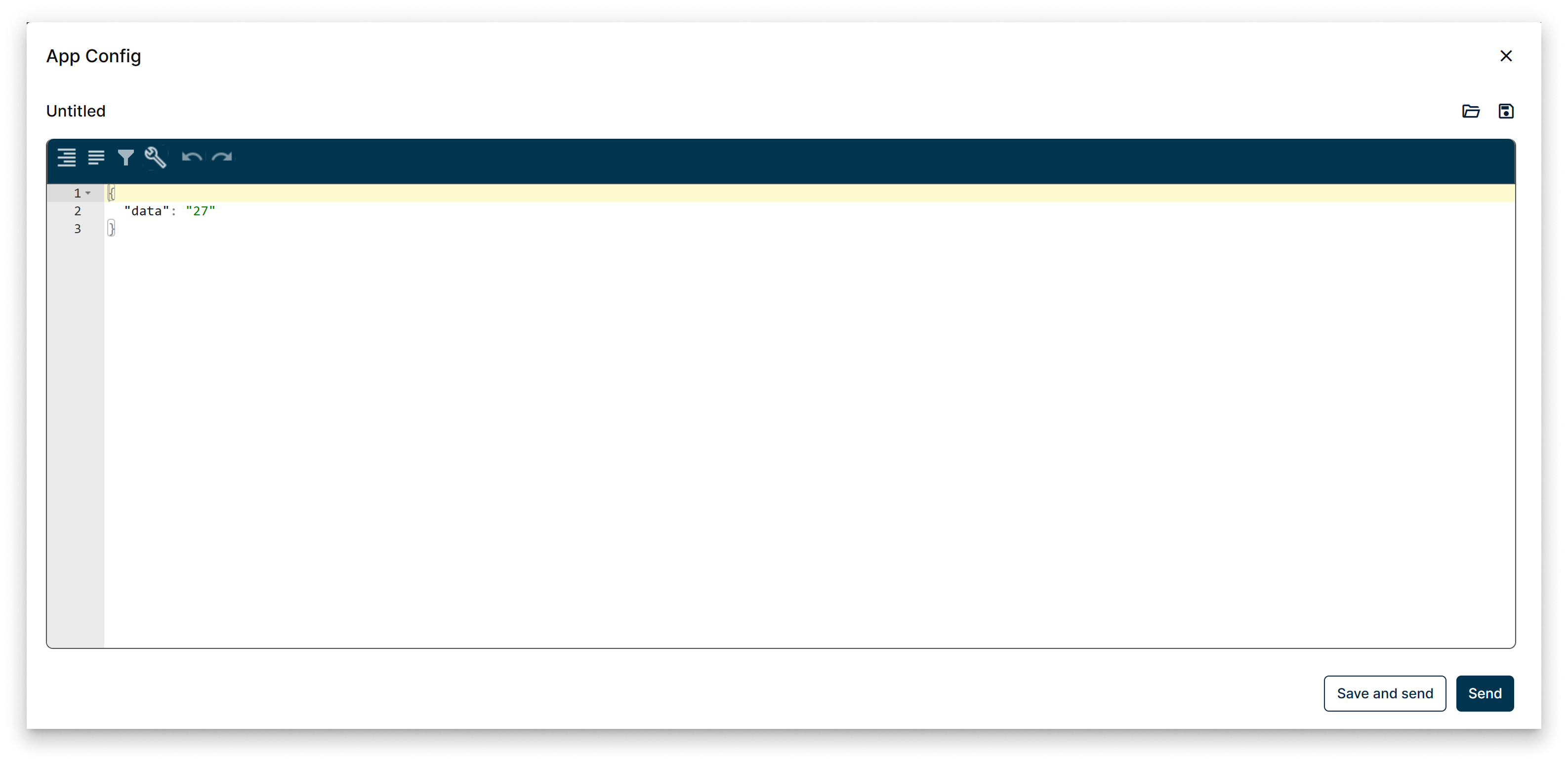
Edit Config popup
From the editor popup you can:
- Edit the JSON directly with the integrated code editor.
- Save the current content to a named configuration for later reuse.
- Load an existing saved configuration.
More actions
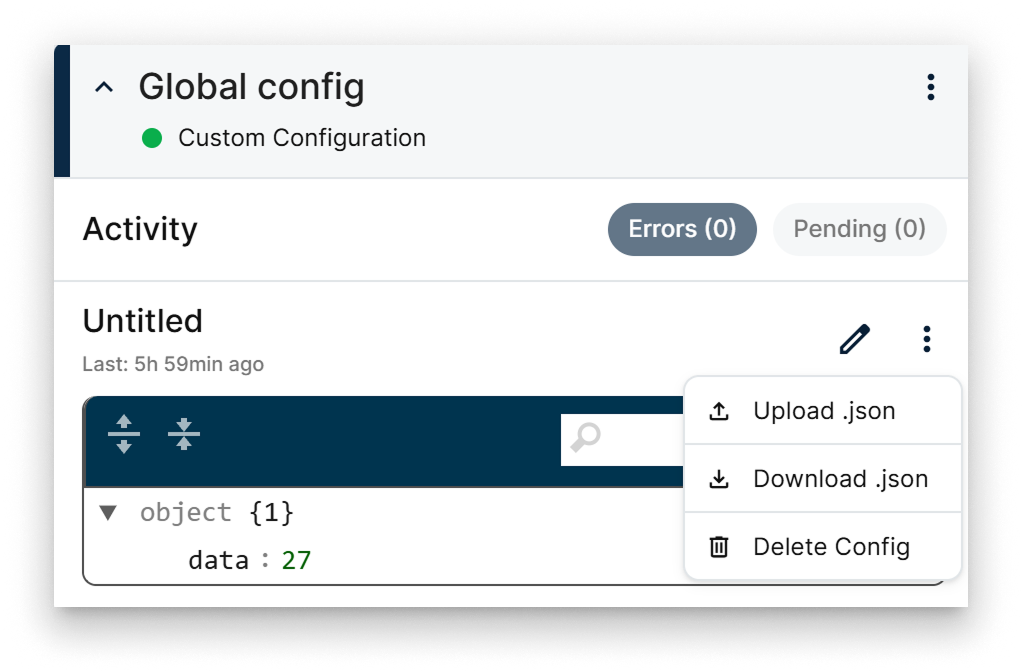
More actions menu
The card menu exposes three bulk actions:
- Upload — push a JSON configuration file from your computer to the cluster.
- Download — export the current configuration as a JSON file (backup or offline editing).
- Delete — reset the configuration by removing it from the cluster.
Summary
The cluster-level Global Config is the JSON contract that every workload in the cluster shares. Edit it from the card or roll it forward in bulk with the Upload / Download / Delete menu — every change is synchronised across the cluster automatically.