Repository Credentials (cluster)
This article refers to Platform v3.1.0. The current Platform version is v3.4.0.
Overview
The Docker Credentials card at the cluster level mirrors the per-node Credentials card, but the credentials you add here are propagated to every node in the cluster automatically — every node can pull private images without you having to repeat the setup per node.
Credentials card
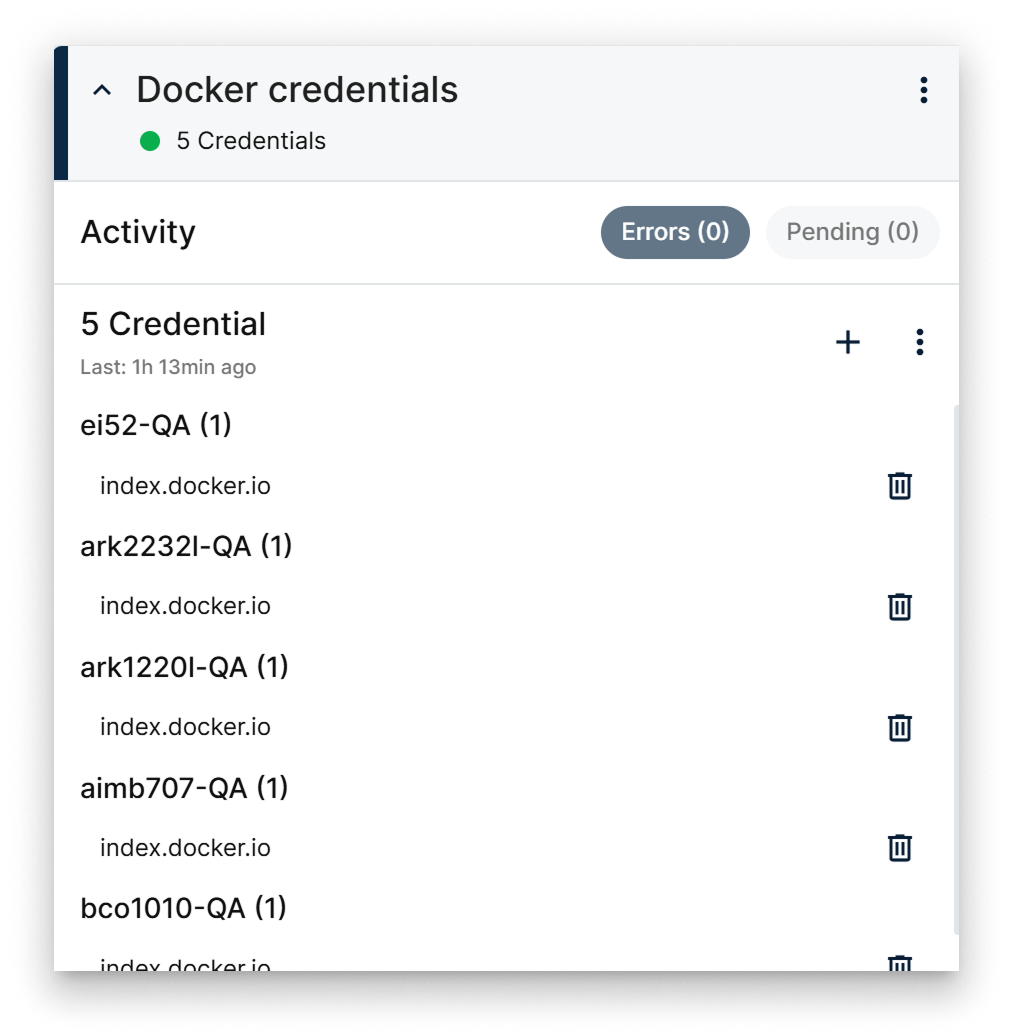
Cluster-level Docker Credentials card
The card shows the credentials defined on the cluster, along with their status. From the card you can:
- Add a credential by hand.
- Add credentials in bulk from a CSV file.
- Delete credentials one at a time or all at once.
Every change is propagated to every node in the cluster automatically.
Add a credential
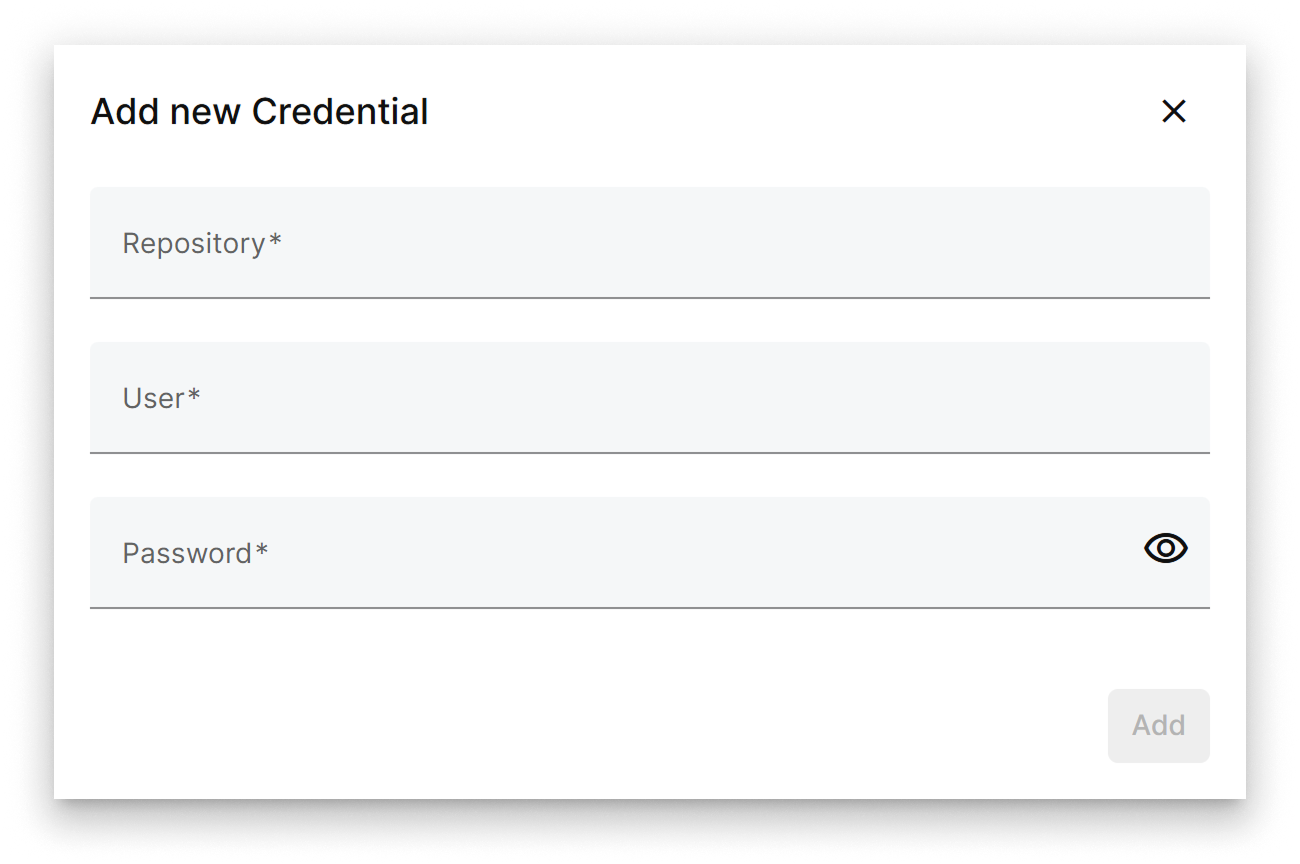
Add credential popup
Fill in:
- Repository — the URL of the private image registry.
- User — the username for that registry.
- Password — the password for the user.
Confirm. The credential is pushed to every node in the cluster within seconds and validated automatically on each one.
For Docker Hub, use http://index.docker.io as the repository URL.
Summary
The cluster-level Docker Credentials card centralises private-registry authentication for the cluster — add once, get propagated everywhere. For per-node credentials outside of a cluster, see Repository credentials.