Swarm Config
This article refers to Platform v3.1.0. The current Platform version is v3.4.0.
Overview
A Swarm config is a Docker-native object declared by an application's docker-compose.yaml under the configs: section. Services in the cluster mount these configs as files at a known path. The Swarm Config card on the Cluster Details page surfaces every Swarm config currently declared in the cluster and lets you remove the ones that are no longer in use.
This card is distinct from the cluster-level Global Config: Swarm configs are declared and consumed by apps via Compose, whereas Global Config is a Barbara-managed JSON payload synchronised by the platform.
Swarm Config card
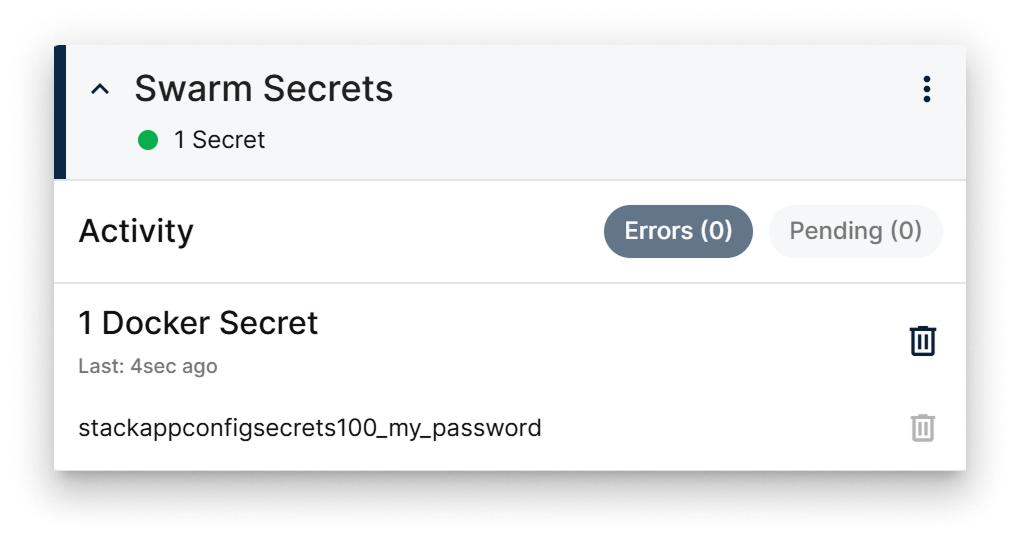
Swarm Config card
The card exposes:
- Activity status — recent activity related to the configs.
- Error and Pending filters to narrow the list by state.
- The list of Swarm configs by name.
- A trash icon per row to delete the config — only available when the config is not in use.
Summary
Use the Swarm Config card to audit the Swarm configs your cluster apps have created and to clean up the ones that no longer serve a purpose. Configs in use cannot be deleted from here — uninstall the consuming app first.