Barbara Core updates
This article refers to Platform v3.4.0. The current Platform version is v3.4.0.
Overview
Barbara Core ships as a single firmware package. The Barbara Core updates popup in Barbara Panel is the place to check the installed version, update to the latest release, or reinstall the current version on an edge node.
Earlier releases split this into two separately updatable components, the OS and the Node manager. That distinction no longer applies: today's Barbara Core is one package, updated and reinstalled as a whole.
Check the installed version
- Open the Node Details page of the target node.
- Open the three-dots menu and select the Barbara Core update action.
Barbara Core Update modal
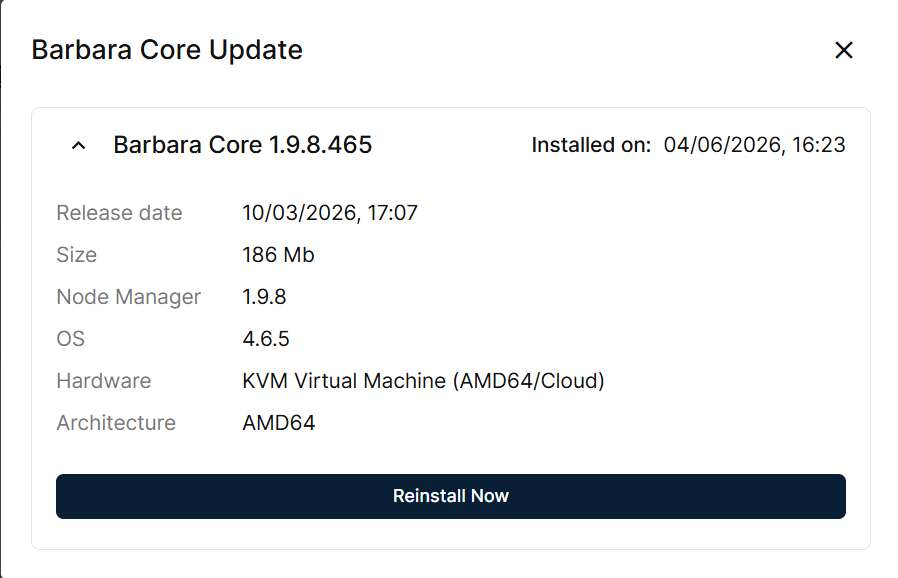
The Barbara Core Update modal shows the single installed Barbara Core version (for example 1.9.8.465), when it was installed, the release date and size of that version, and, for reference, the underlying Node Manager and OS sub-versions it bundles, alongside the node's hardware and architecture.
Update an outdated version
Barbara Core Update modal with a new update available
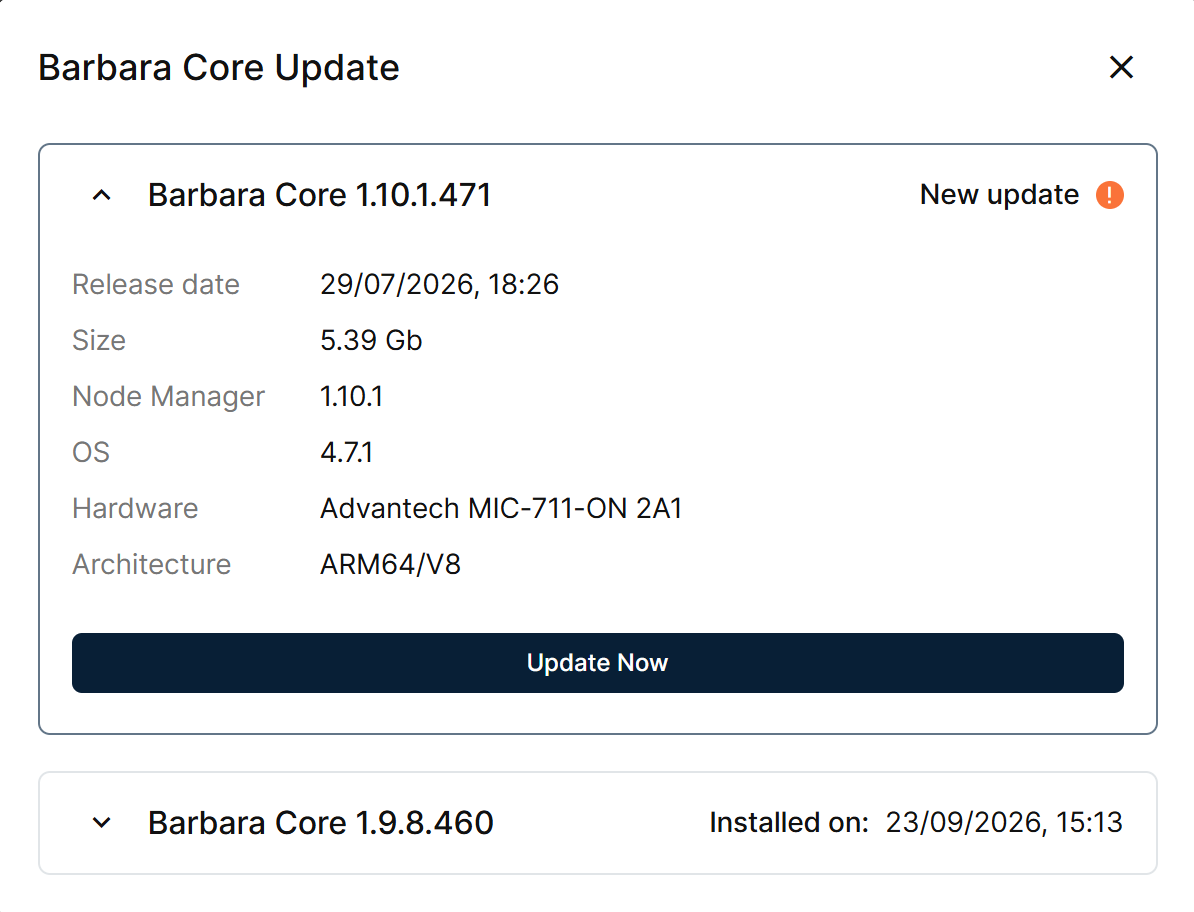
When a newer version exists, the same modal lists it above the installed one, flagged New update, with its own release date, size, and sub-versions. Click Update Now to open an Update Confirmation dialog.
Update Confirmation dialog
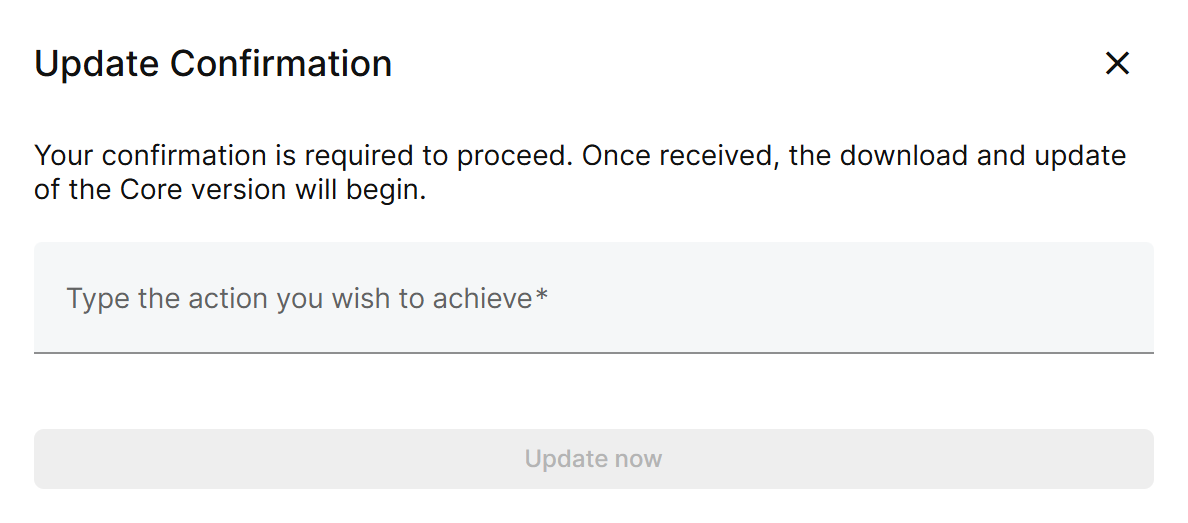
Type the requested confirmation word and click Update now. The platform downloads and installs the new firmware, and the node reboots automatically when it is applied.
The previously installed version stays listed below, collapsed, with the timestamp it was installed on.
Reinstall the current version
You can also reinstall the currently installed firmware with Reinstall Now — useful when troubleshooting a misbehaving node, or to restore a clean software state without changing versions.
Reinstall Confirmation dialog
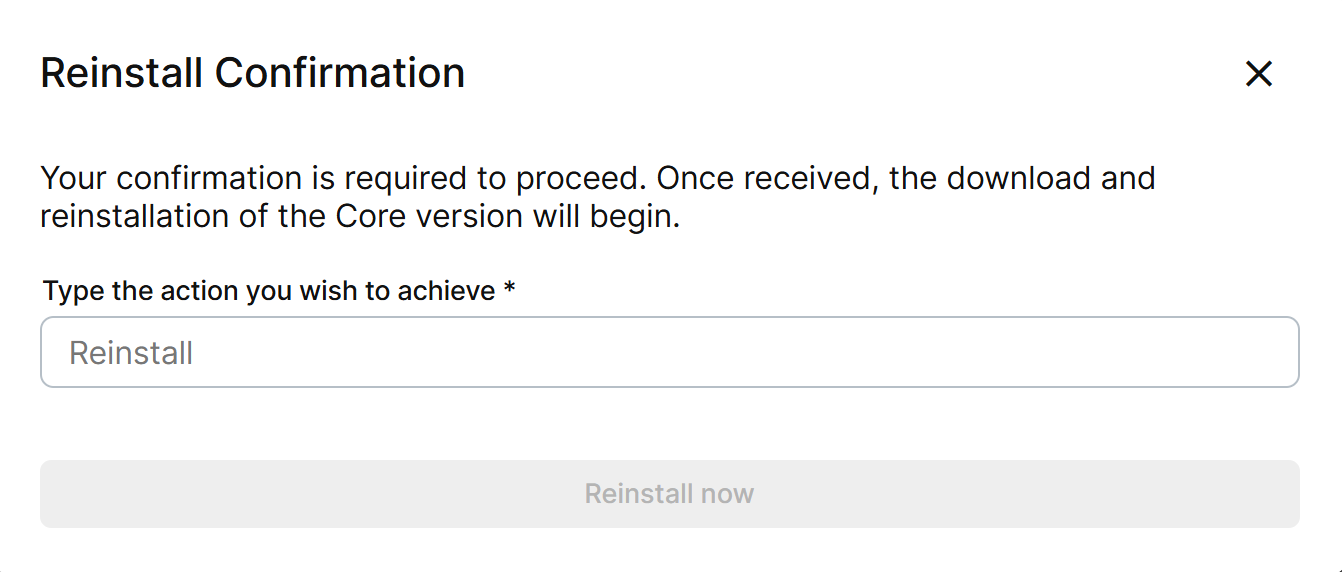
Reinstall Now opens a Reinstall Confirmation dialog: type Reinstall in the field and click Reinstall now. Reinstalling restores the firmware files while preserving the workloads and data already stored on the node.
Summary
The Barbara Core updates popup centralises firmware lifecycle management for a node: it shows the installed and available versions, runs an update against the latest release, and lets you reinstall the current version when you need a clean software state without bumping versions.
For the same operation across many nodes at once, see Batch — Barbara Core updates.