What is a card
This article refers to Platform v3.0.0. The current Platform version is v3.2.0.
Overview
The Node Details page in Barbara Panel is composed of cards — small, focused widgets that surface one aspect of a node (its hardware, its network, its telemetry, its workloads) and expose the actions related to that aspect. Before you start deploying apps, this article walks through the cards you will use most during the tutorial.
For the full reference of the Node Details page and the complete list of cards, see Node Details.
Monitoring cards
Telemetry card
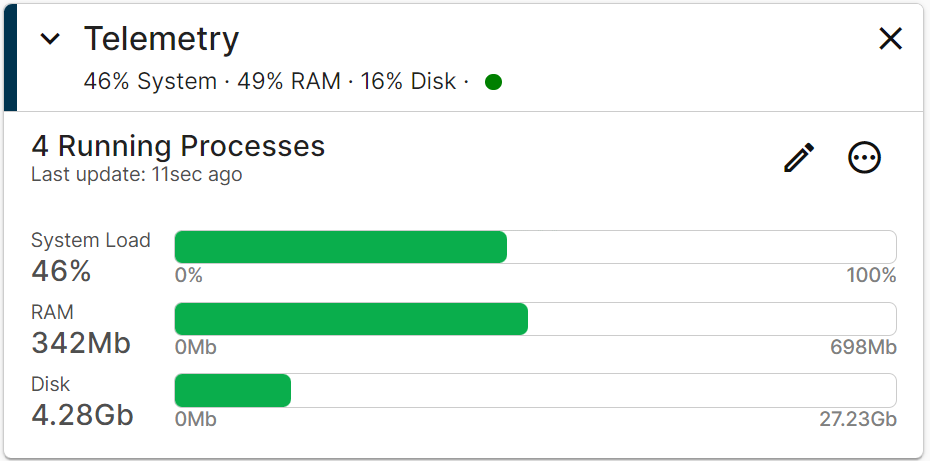
The Telemetry card shows the last telemetry sample received from the node. The reporting Interval is editable in place — by default the node reports every 4 minutes.
Telemetry card
Node-level metrics:
- Temperature — CPU temperature.
- System Load — average run-queue size.
- RAM — used vs total.
- Disk — used vs total.
The lower half of the card breaks the same metrics down per process. See Telemetry for the full reference.
Analytics card
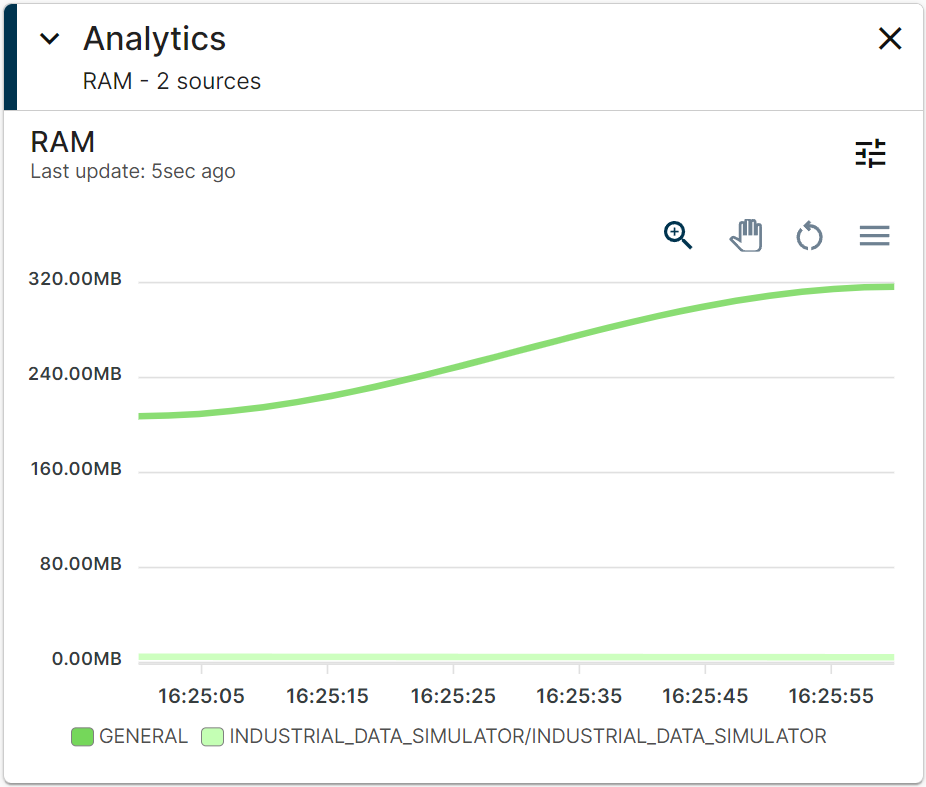
The Analytics card plots the historical evolution of the telemetry metrics. Pick a Relative or Absolute time range, the metric, and one or more data sources, and the card renders a chart you can export as PNG / SVG / CSV.
Analytics card
Available metrics:
- Temperature (node only).
- System Load (node only).
- RAM.
- Disk.
- CPU.
- Files (per process).
See Analytics for the full reference.
Network card
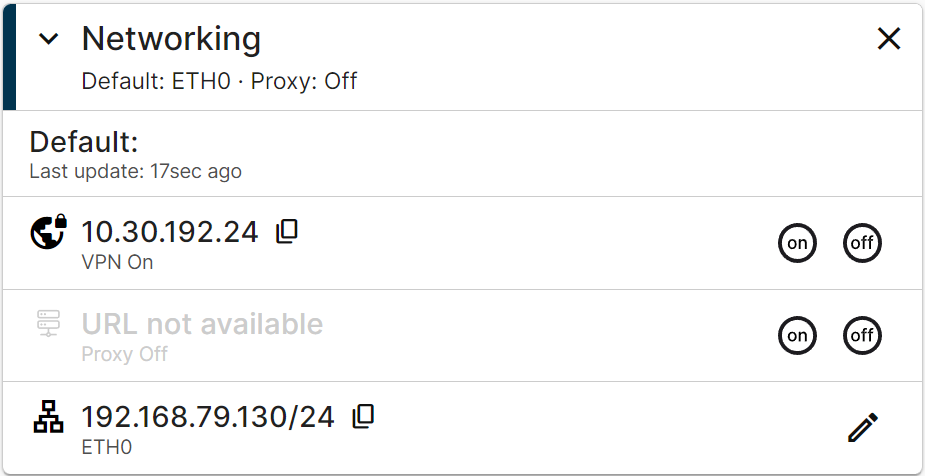
Network connectivity is critical for an edge node. The Networking card surfaces every physical interface on the node (WiFi, Ethernet, Mobile) along with their IP addresses and lets you edit any of them inline.
Networking card
See Network Card overview for the full reference of every interface popup and the Advanced section (VPN, Proxy, Standalone Mode, IPTables, VLANs).
Summary
The cards are the building blocks of the Node Details page. Telemetry and Analytics give you the health of the node; the Networking card lets you reach it; throughout the tutorial you will add one Marketplace workload card per app you deploy, each carrying the configuration and operational controls for that specific app.