Step 3 — Deploy InfluxDB
This article refers to Platform v3.0.0. The current Platform version is v3.2.0.
Overview
InfluxDB is a database optimised for time-series data — sensor readings, telemetry, metrics. Compared to a regular relational database, it gives you fast writes and efficient queries on time-stamped data, which makes it the right fit for storing the data the Industrial Data Simulator is publishing to the MQTT Broker.
This step deploys InfluxDB with default settings; the next step deploys the Ingester that bridges the MQTT Broker into the database.
Add InfluxDB to your Library


InfluxDB
Open-source time-series database designed to store, query, and analyse large amounts of time-stamped data.
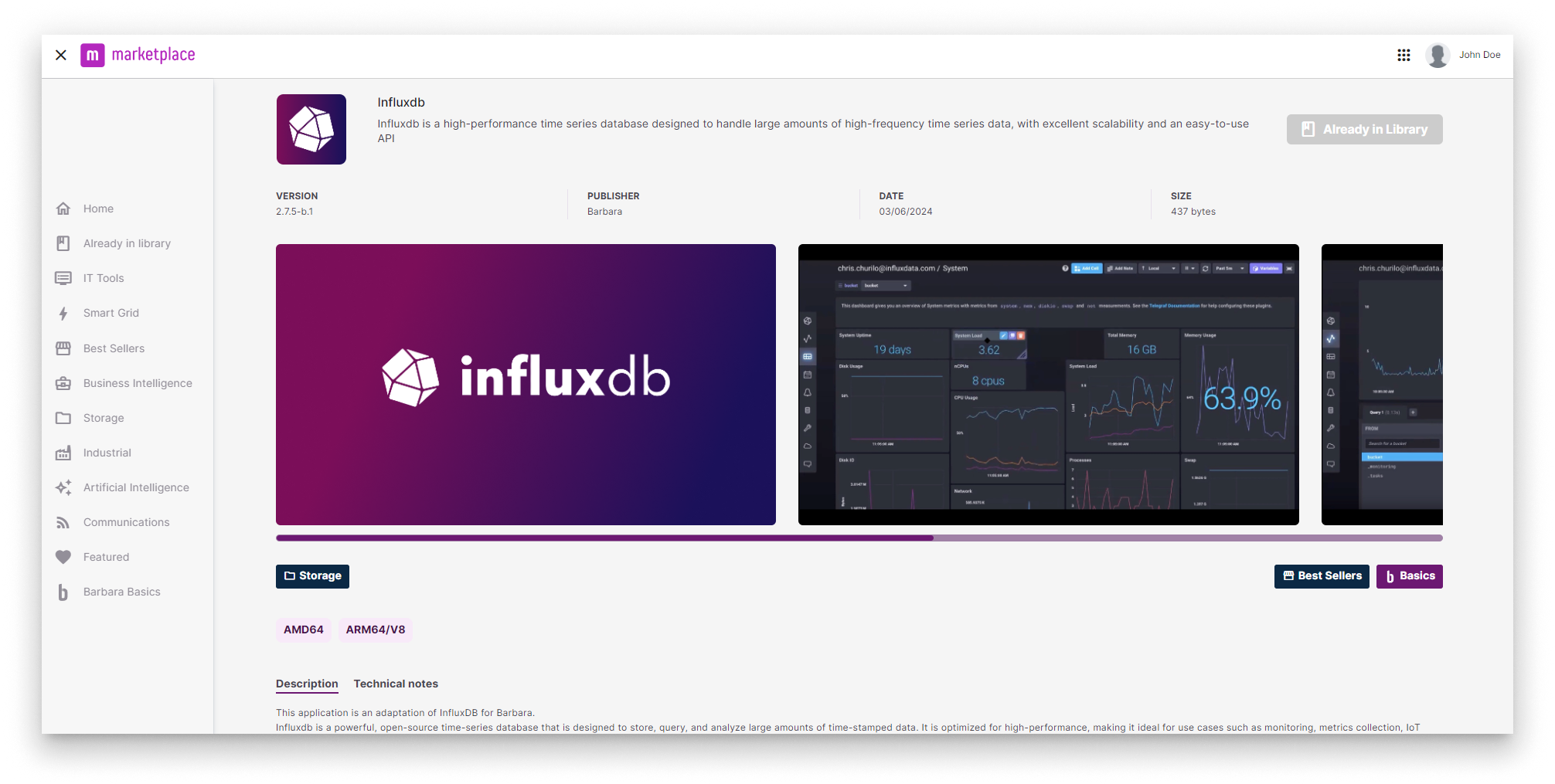
InfluxDB in the Marketplace
For the full Marketplace flow, see Add a Marketplace app to your Library.
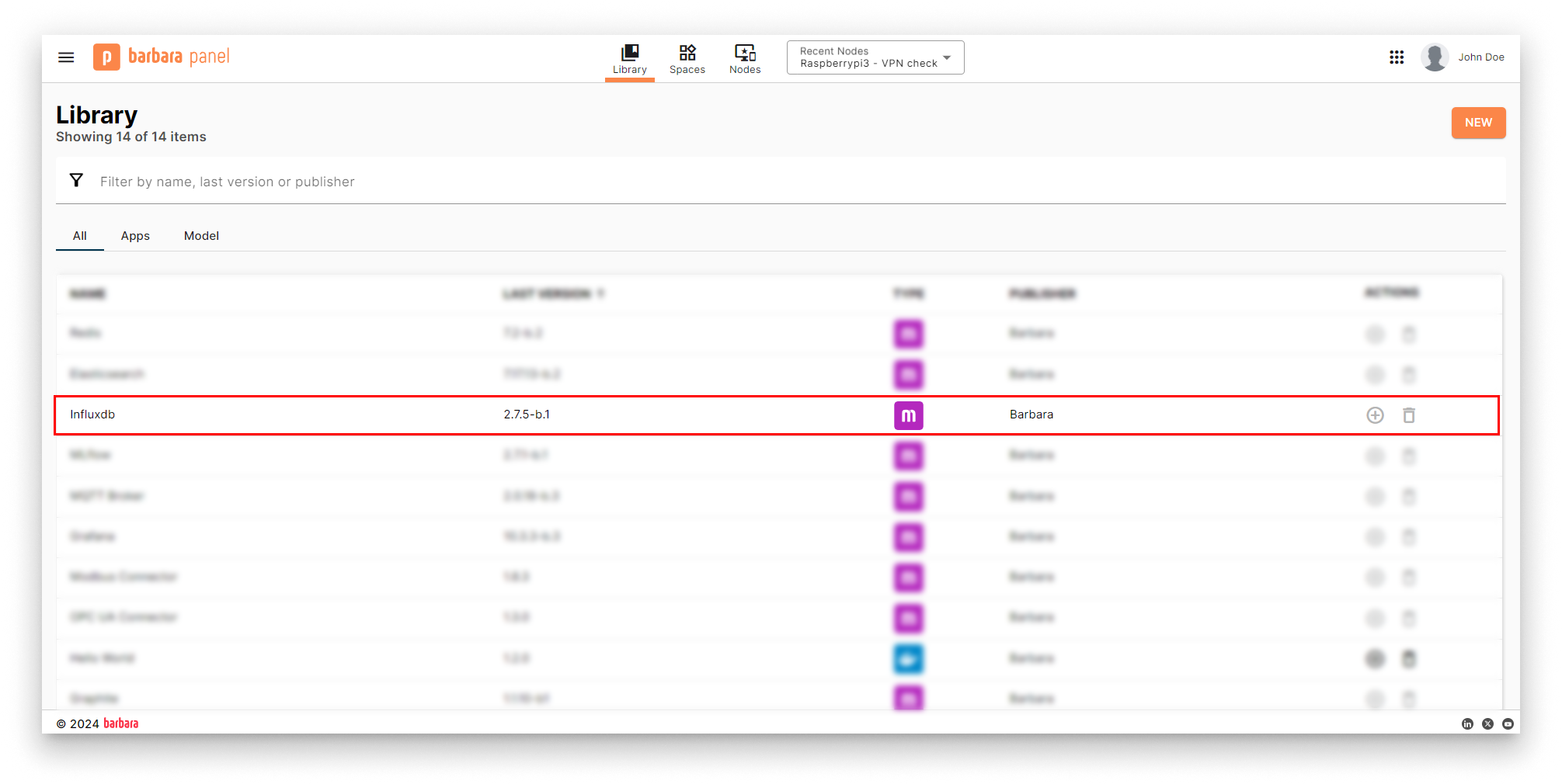
InfluxDB in the App Library
Deploy InfluxDB
- Open the Node Details page and click Add card → Marketplace App.
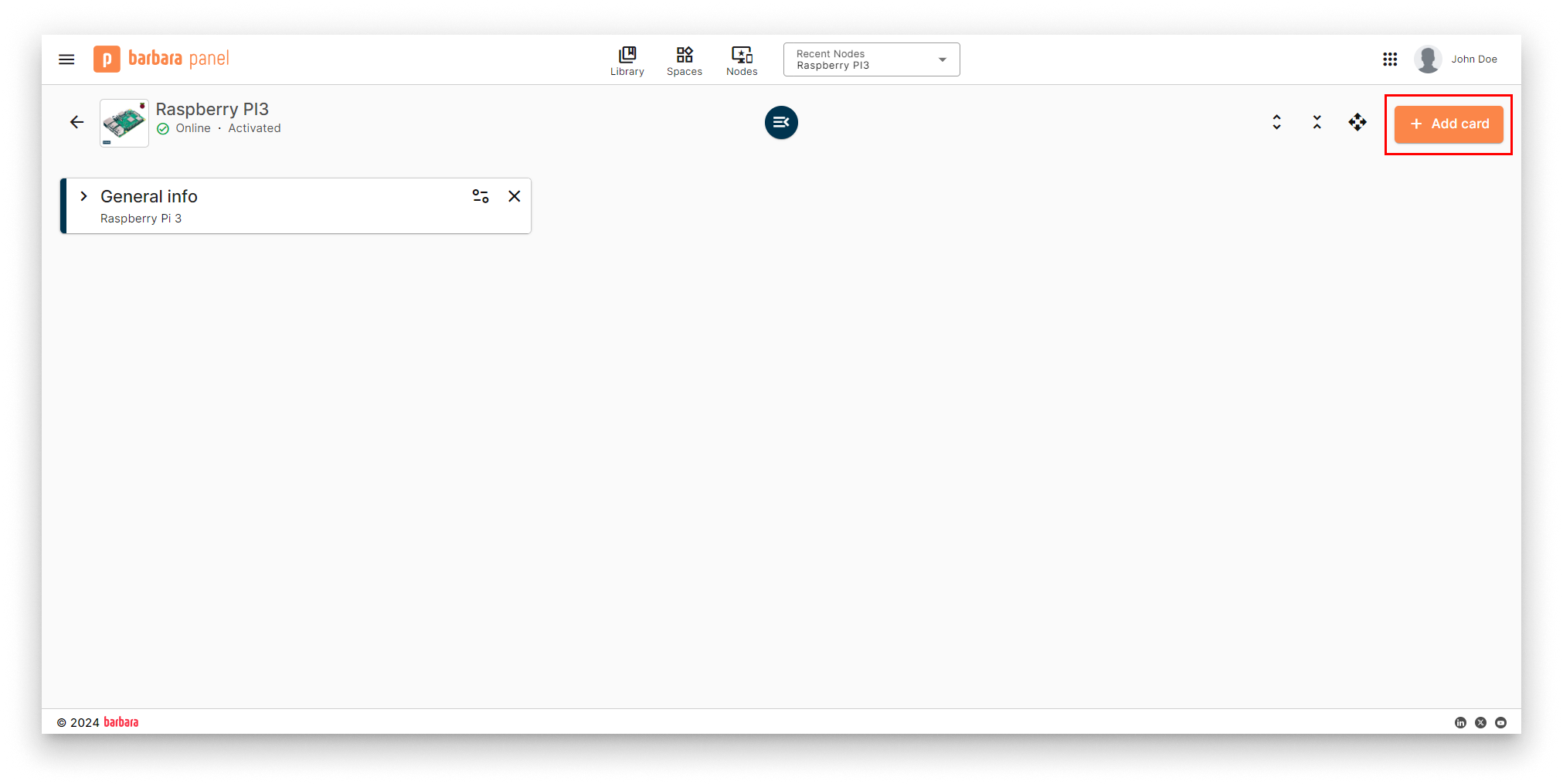
Add card menu
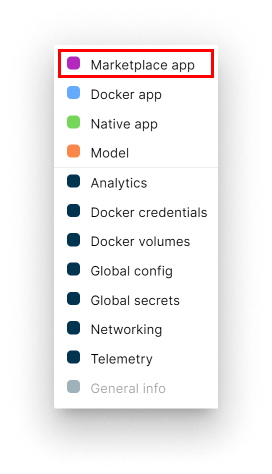
Select Marketplace App
- Select app and version. Pick InfluxDB and its latest version. Click Next.
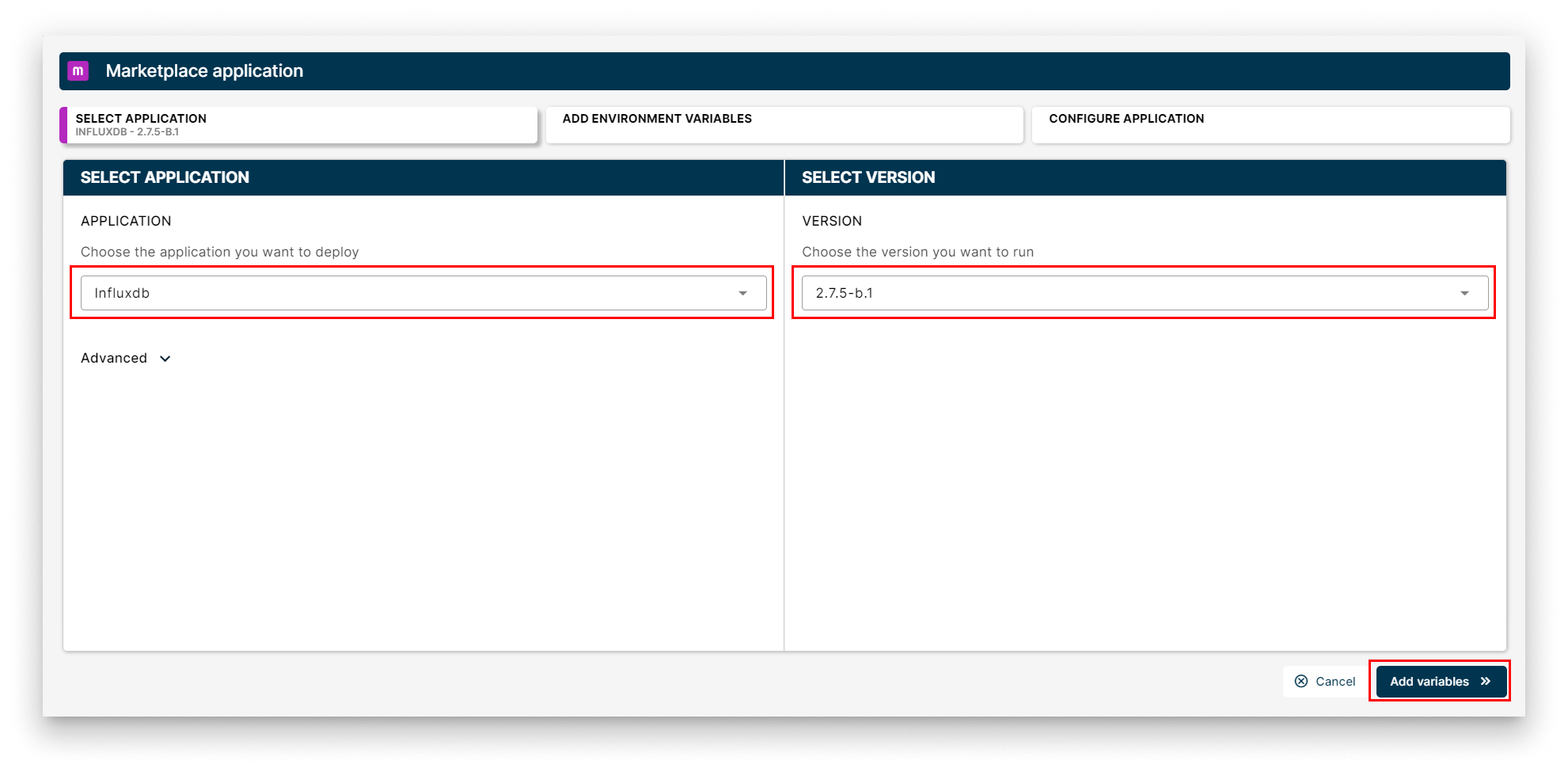
Select InfluxDB
- App Secrets. Keep the defaults (admin user / password, the InfluxDB token) and click Next.
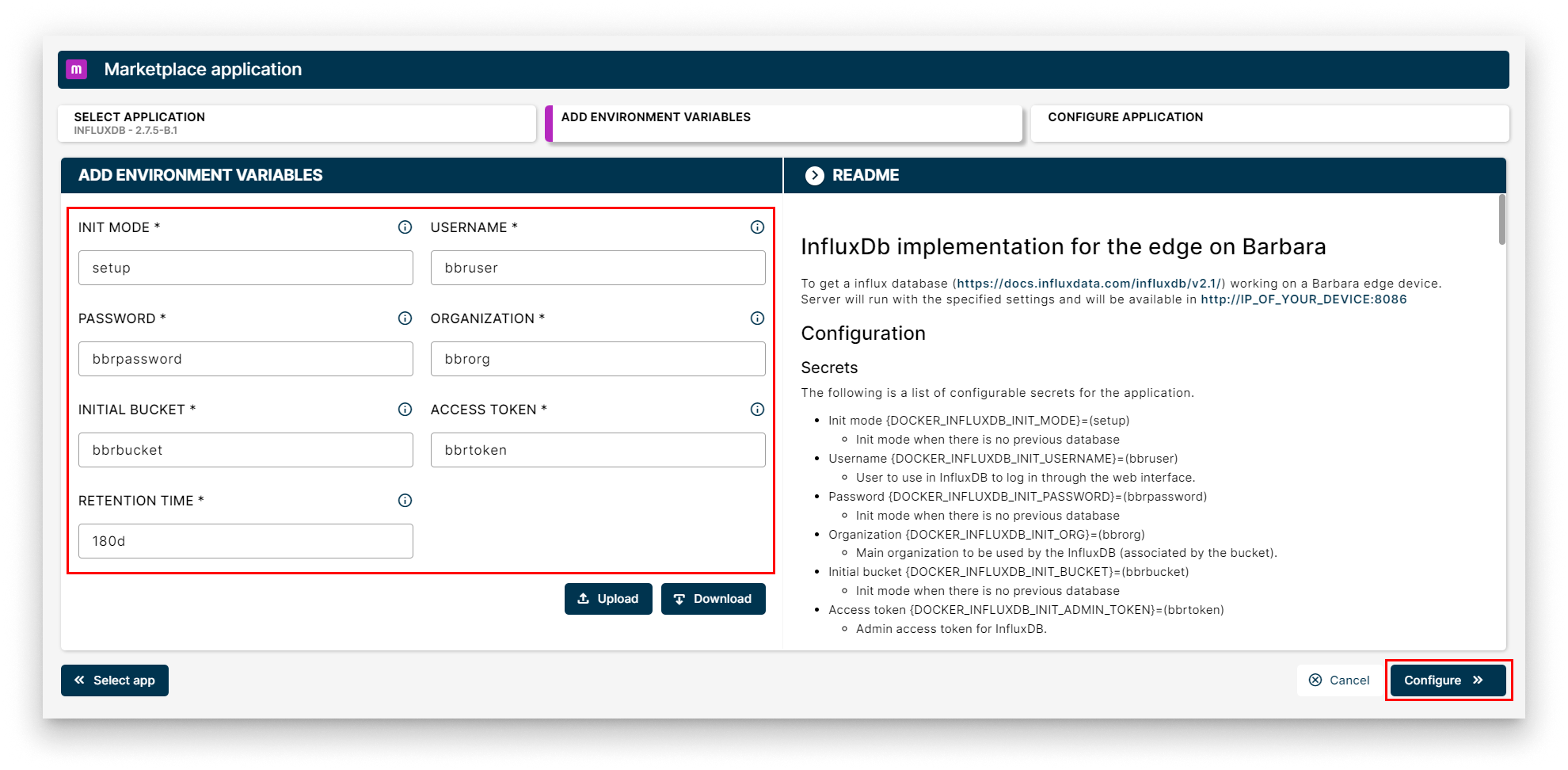
App Secrets for InfluxDB
- App Config. No extra configuration is needed for a default deployment. Click Send App.
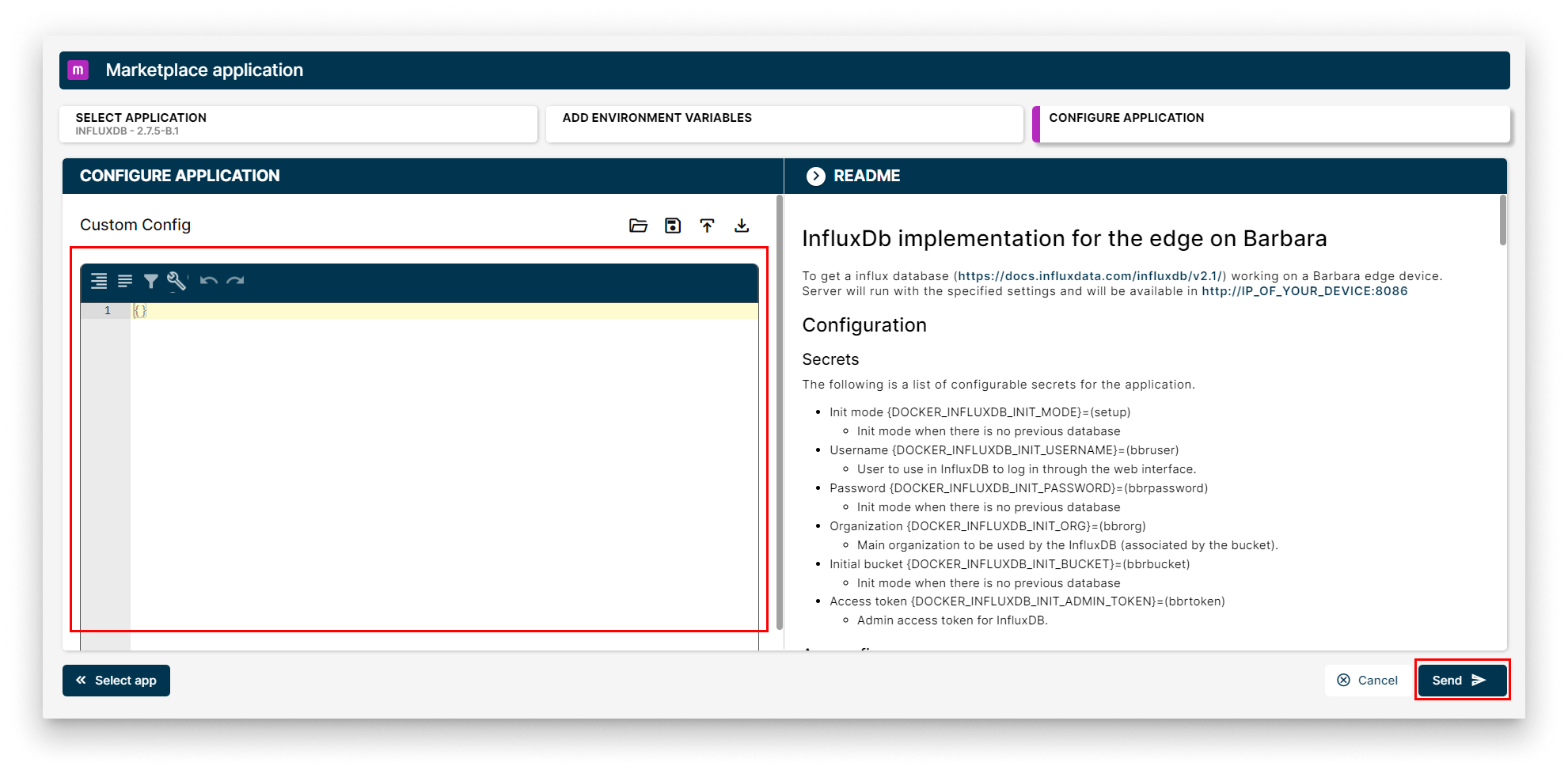
Send the InfluxDB deployment
Verify the deployment
A new InfluxDB workload card appears on the Node Details page. When the indicator turns green (Started), the database is up.
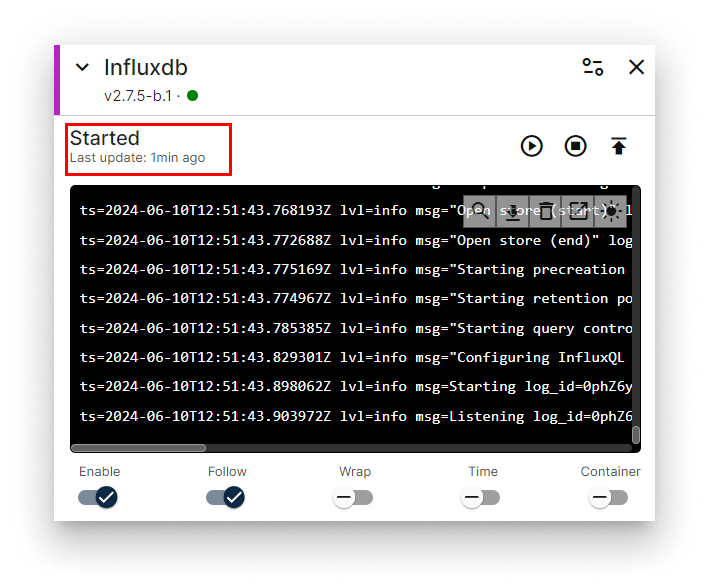
InfluxDB workload card
Access the InfluxDB web UI
InfluxDB ships its own web UI on port 8086. Open http://<NODE_IP>:8086 in a browser and log in with the credentials you set in App Secrets (defaults: bbruser / bbrpassword). The node IP is on the Networking card.
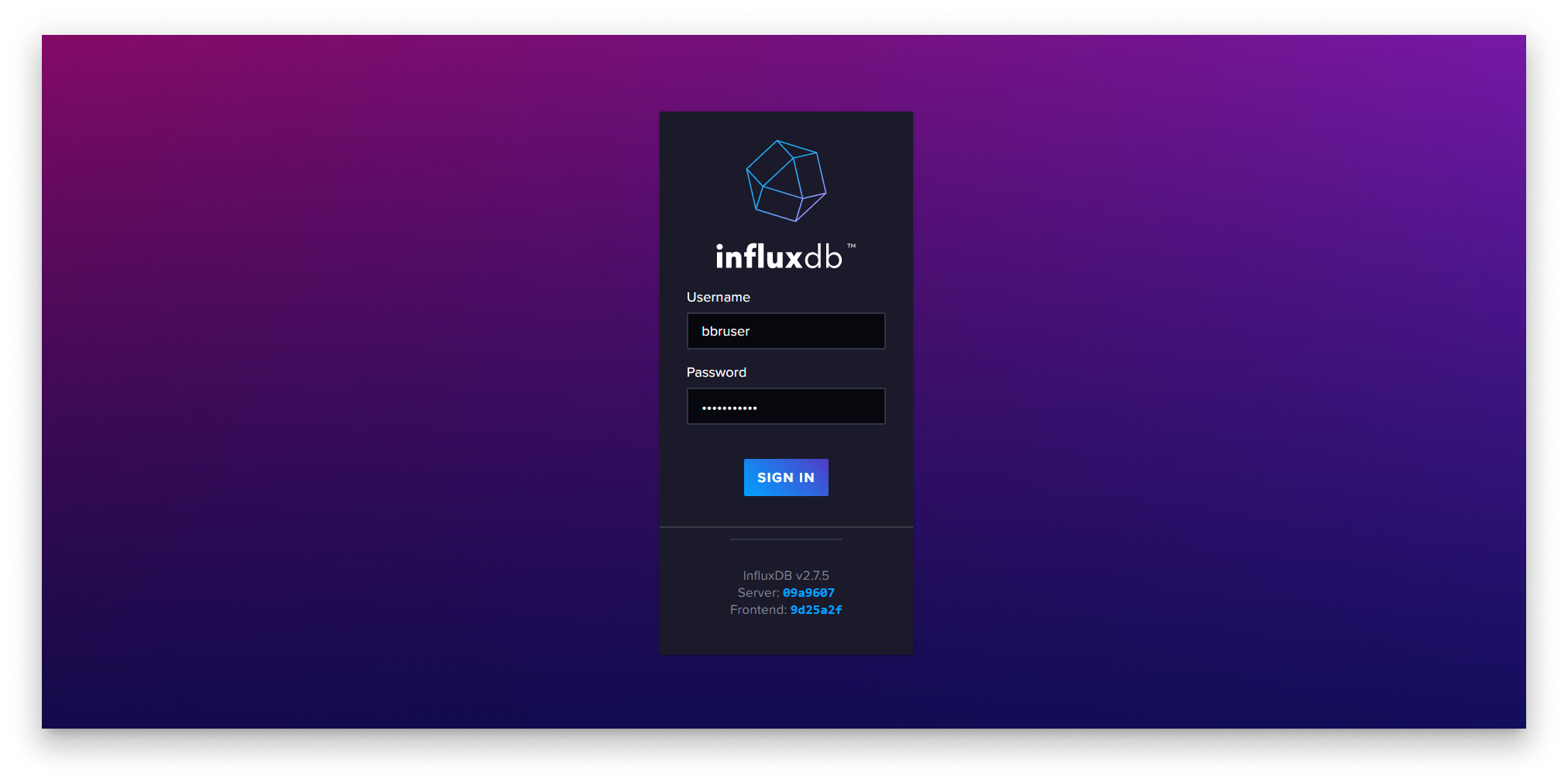
InfluxDB web UI
Read the upstream InfluxDB docs at docs.influxdata.com.
Summary
InfluxDB is now running on the edge node and reachable on port 8086. The database is still empty — in Step 4 you will deploy the MQTT-InfluxDB Ingester that ships every message published to the MQTT Broker straight into an InfluxDB bucket.