Step 4 — Deploy the MQTT-InfluxDB Ingester
This article refers to Platform v3.0.0. The current Platform version is v3.2.0.
Overview
The MQTT-InfluxDB Ingester is the bridge between the messaging layer (MQTT Broker) and the storage layer (InfluxDB). It subscribes to topics on the broker and writes every message it receives into a configurable InfluxDB bucket — turning the running pipeline from "data flying around" into "data persisted on disk".
Add the Ingester to your Library


MQTT-InfluxDB Ingester
Service component that extracts data from the MQTT Broker and forwards it to the InfluxDB database.
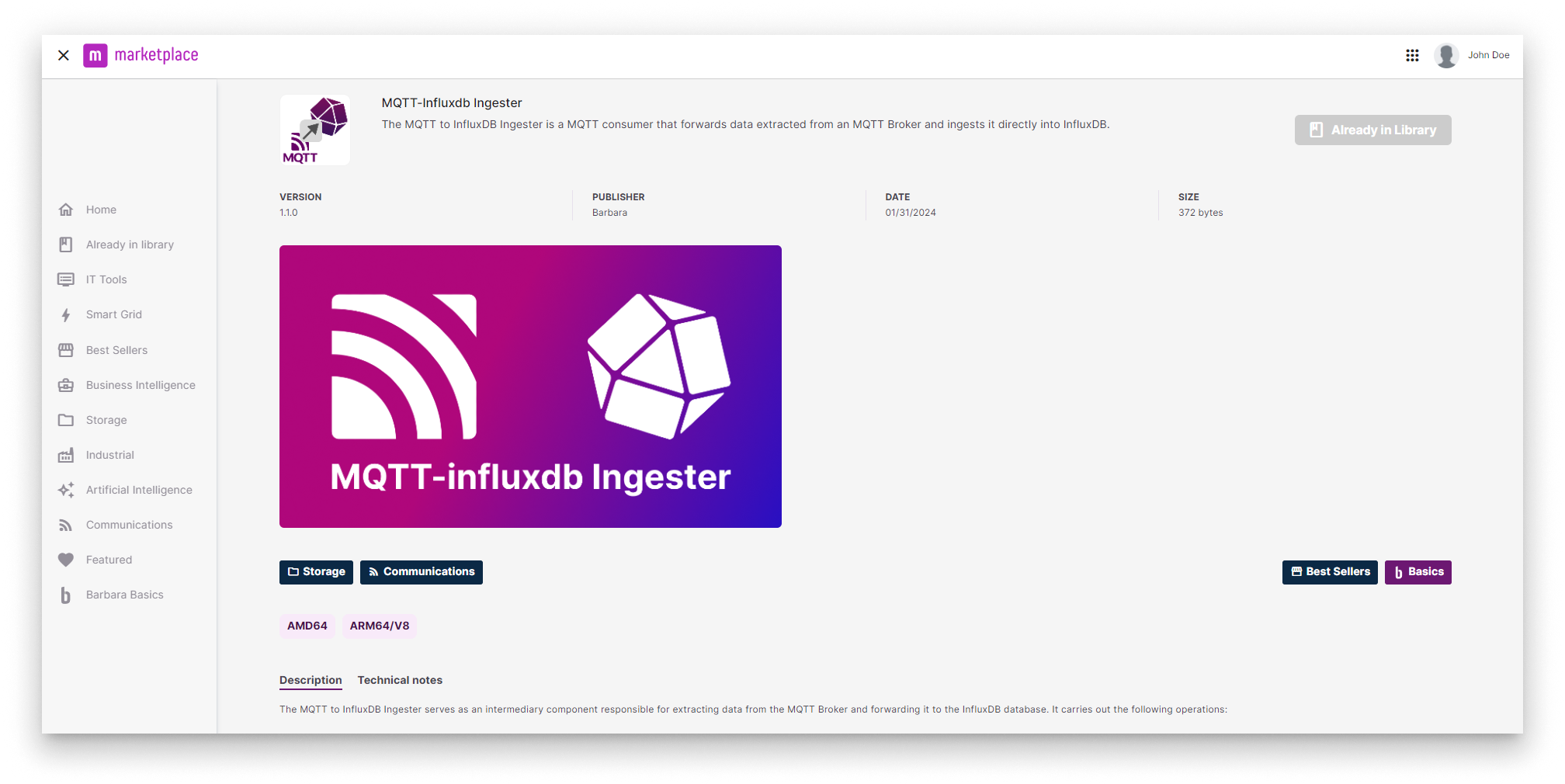
Ingester in the Marketplace
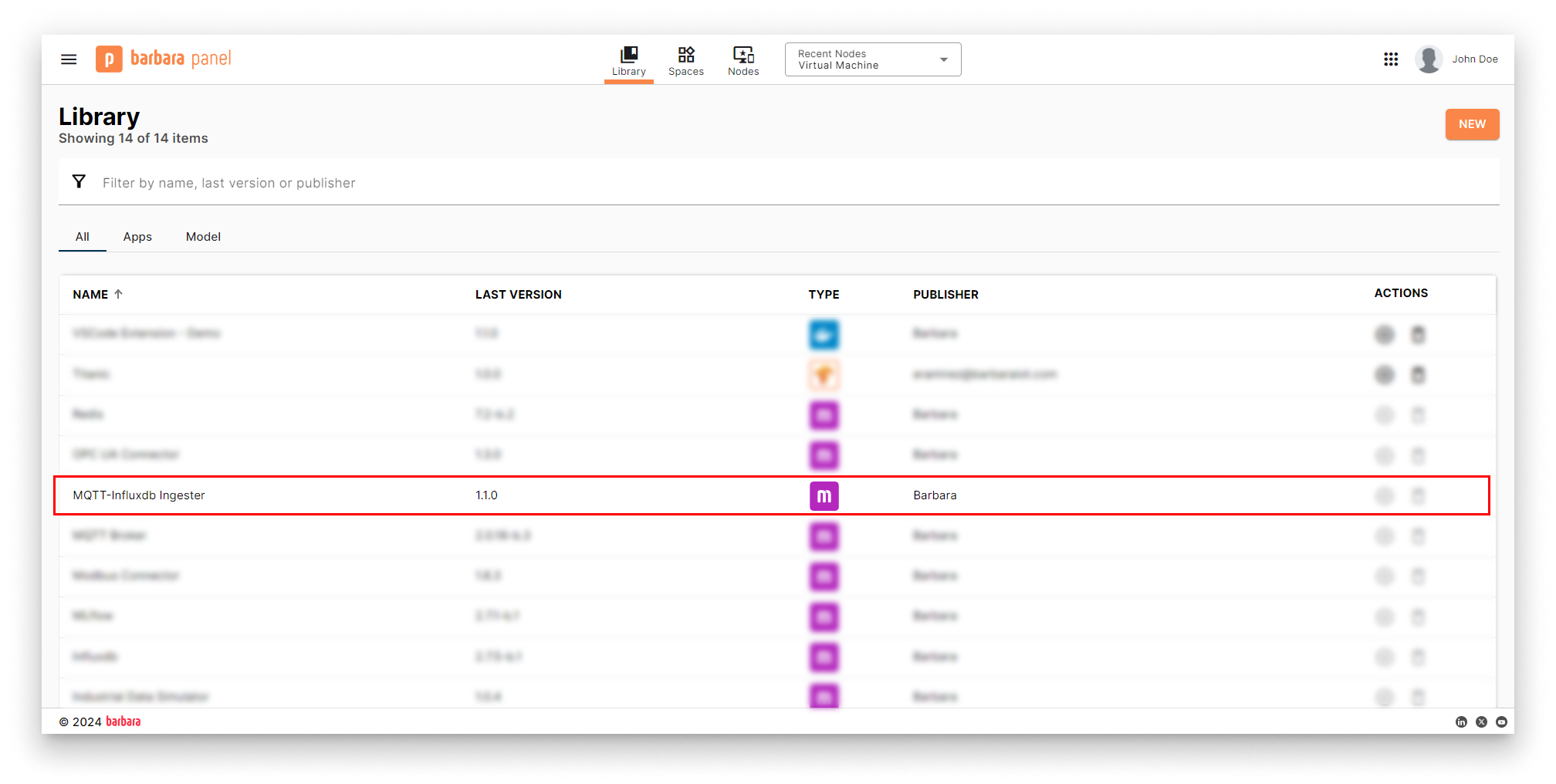
Ingester in the App Library
Deploy the Ingester
- Open the Node Details page and click Add card → Marketplace App.
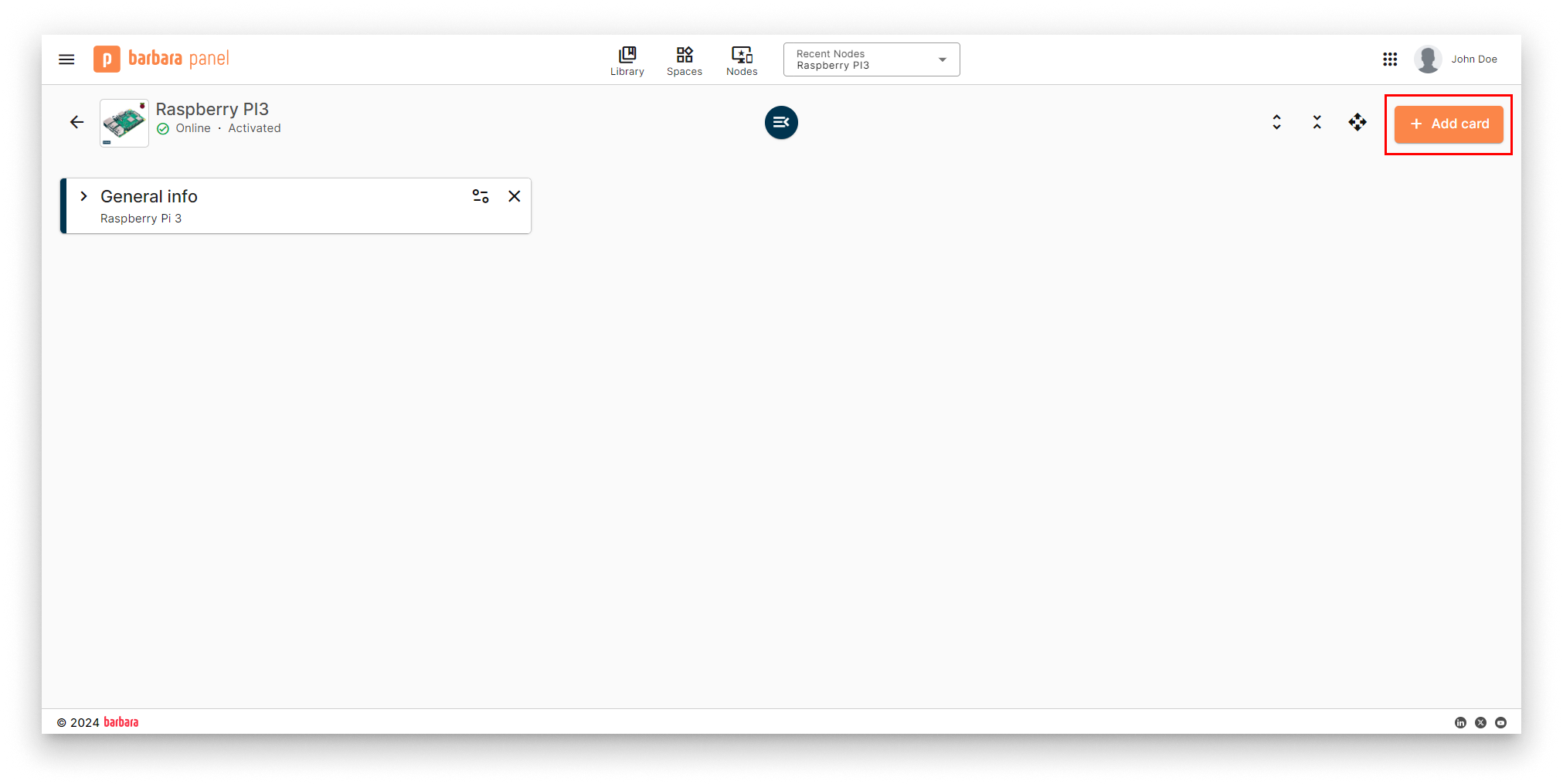
Add card menu
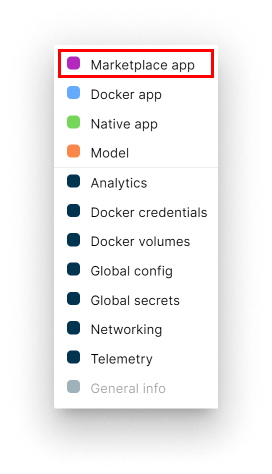
Select Marketplace App
- Select app and version. Pick MQTT-InfluxDB Ingester and its latest version. Click Next.
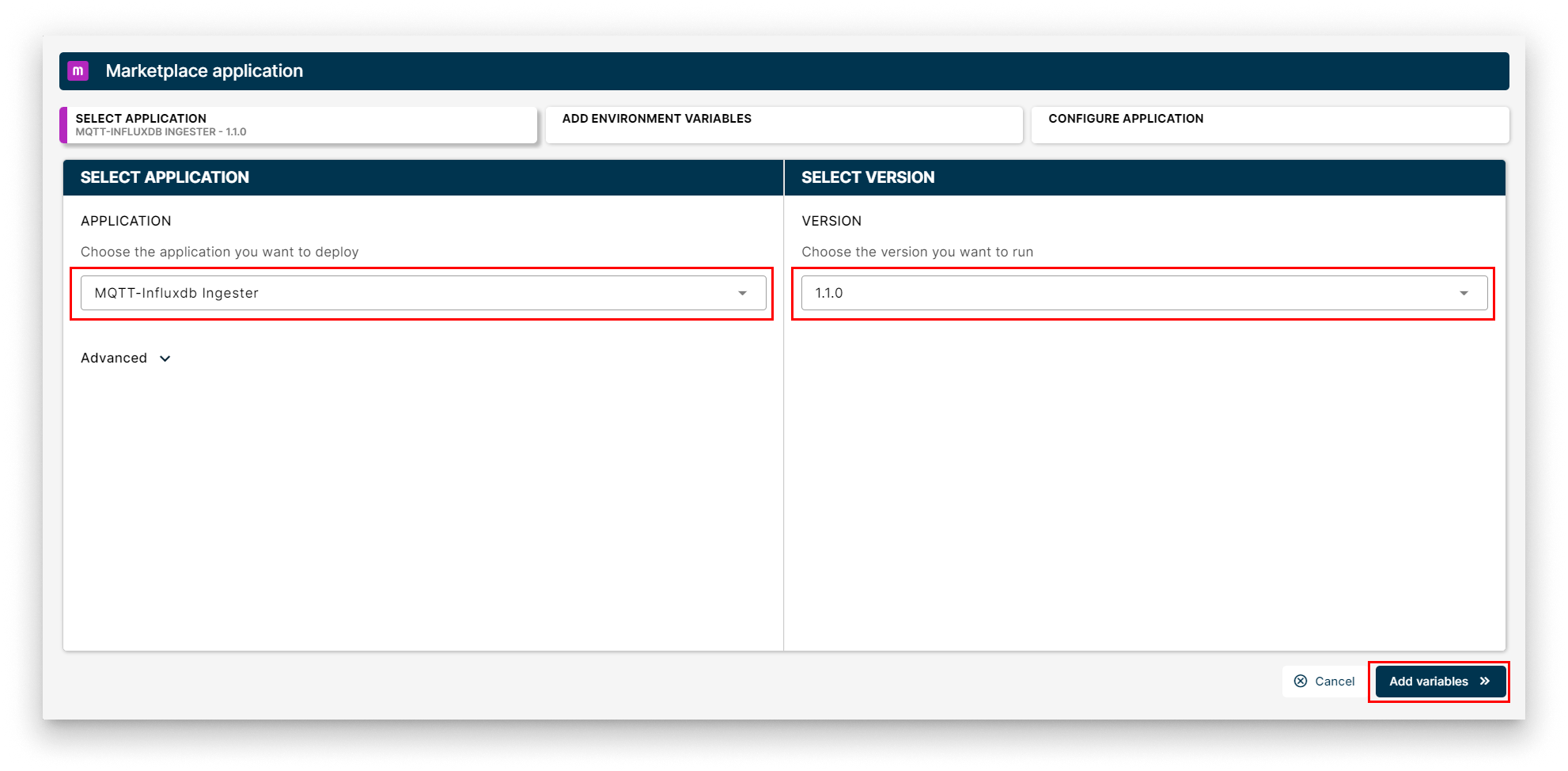
Select the Ingester
- App Secrets. Keep the defaults and click Next.
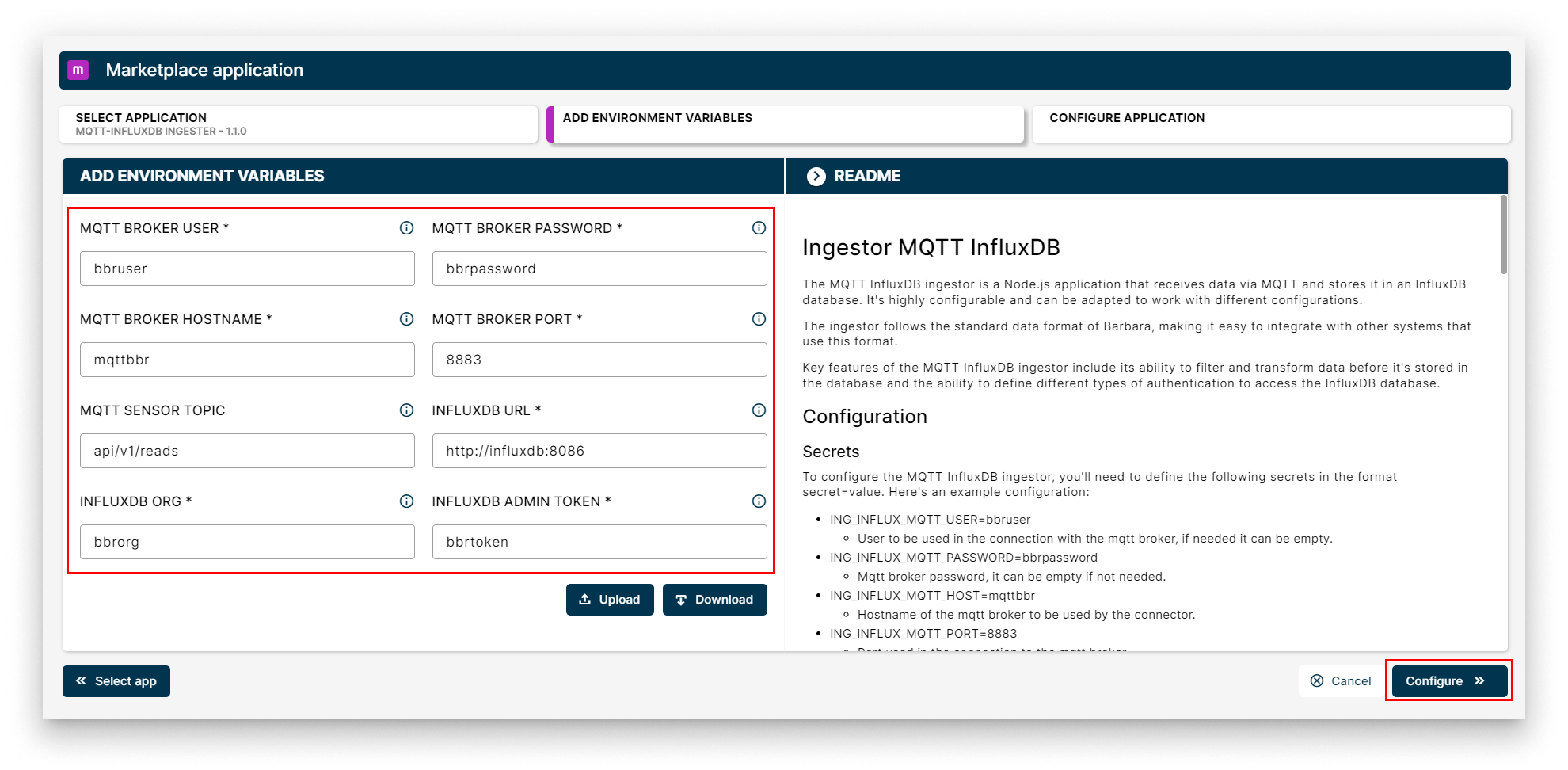
App Secrets for the Ingester
-
App Config. Paste the JSON below into the editor — it tells the Ingester which MQTT topic to subscribe to and where to write the data inside InfluxDB.
{
  "ingestorMqttInfluxdb": {
    "inputs": [
      {
        "bucketInflux": "bbrbucket",
        "deviceDisplayName": "testDevice",
        "measurementInflux": "testDevice",
        "type": "read"
      }
    ],
    "system": {
      "bucketAutoCreate": true,
      "bucketAutoCreateRetention": 3600,
      "debugLevel": "info"
    }
  }
}
Key fields:
bucketInflux— the InfluxDB bucket to write into (bbrbucketby default).deviceDisplayName— the topic suffix of the device being read.measurementInflux— the InfluxDB measurement name where the points land.bucketAutoCreate— whentrue, the Ingester creates the bucket if it does not exist.
-
Click Send App to deploy.
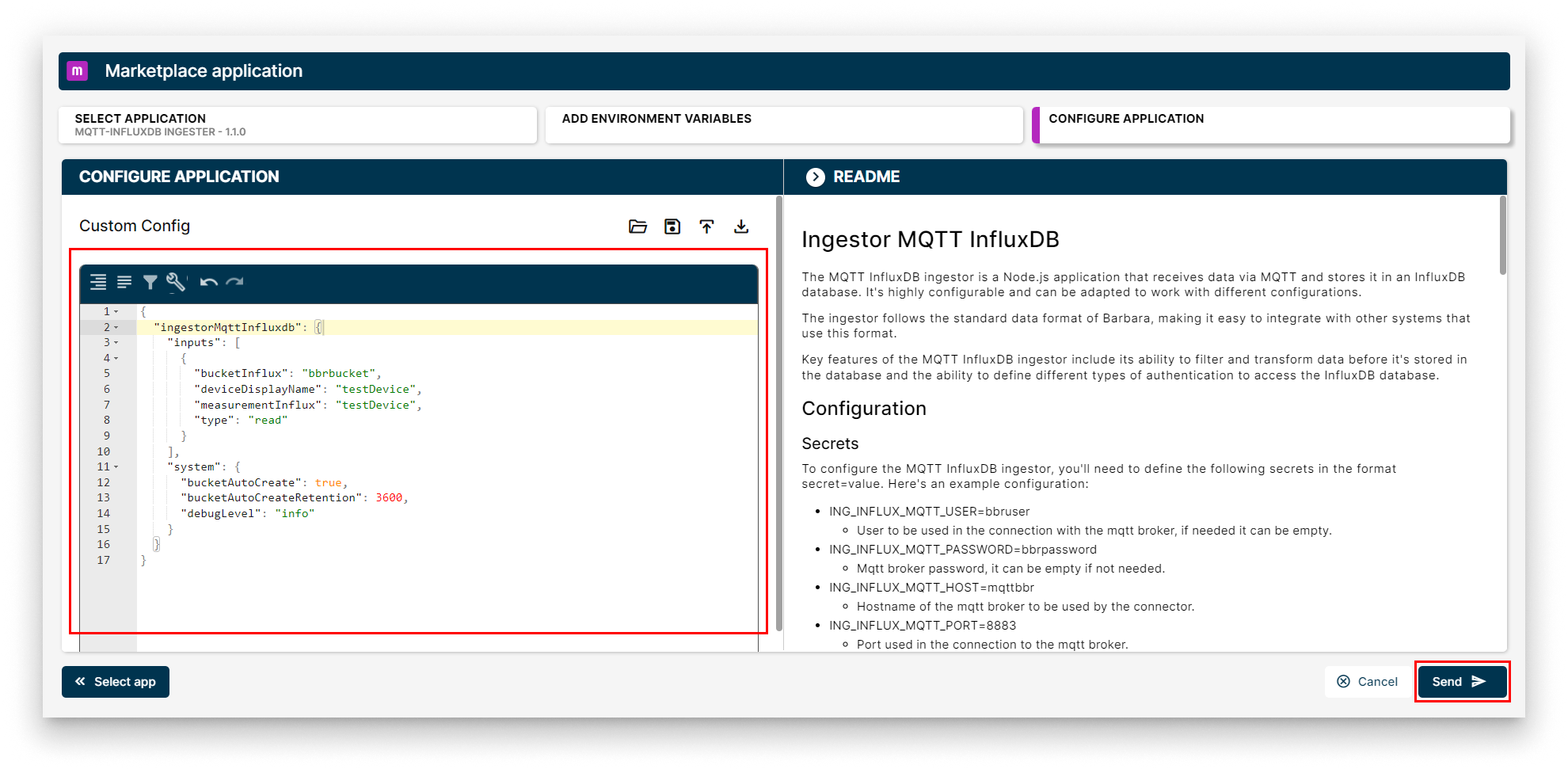
Send the Ingester deployment
Verify the deployment
A new MQTT-InfluxDB Ingester workload card appears on the Node Details page. When it turns green (Started), the bridge is up.
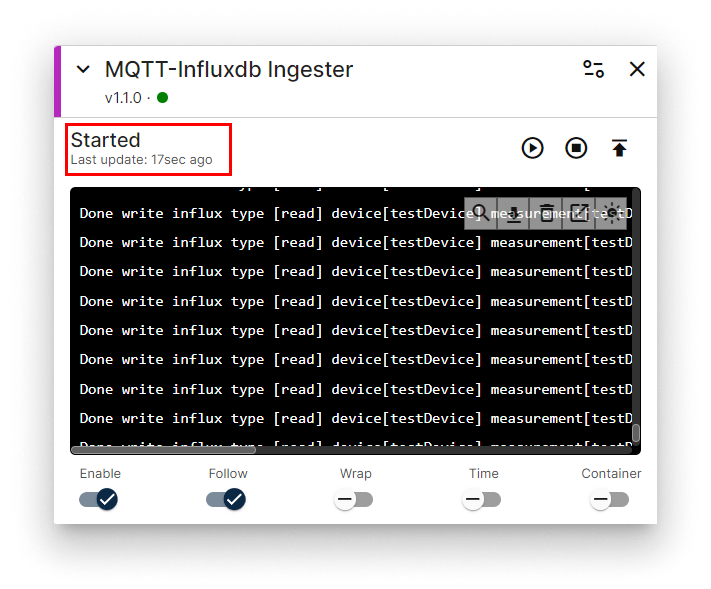
Ingester workload card
Verify data lands in InfluxDB
- Open the InfluxDB web UI at
http://<NODE_IP>:8086and log in (defaultbbruser/bbrpassword).
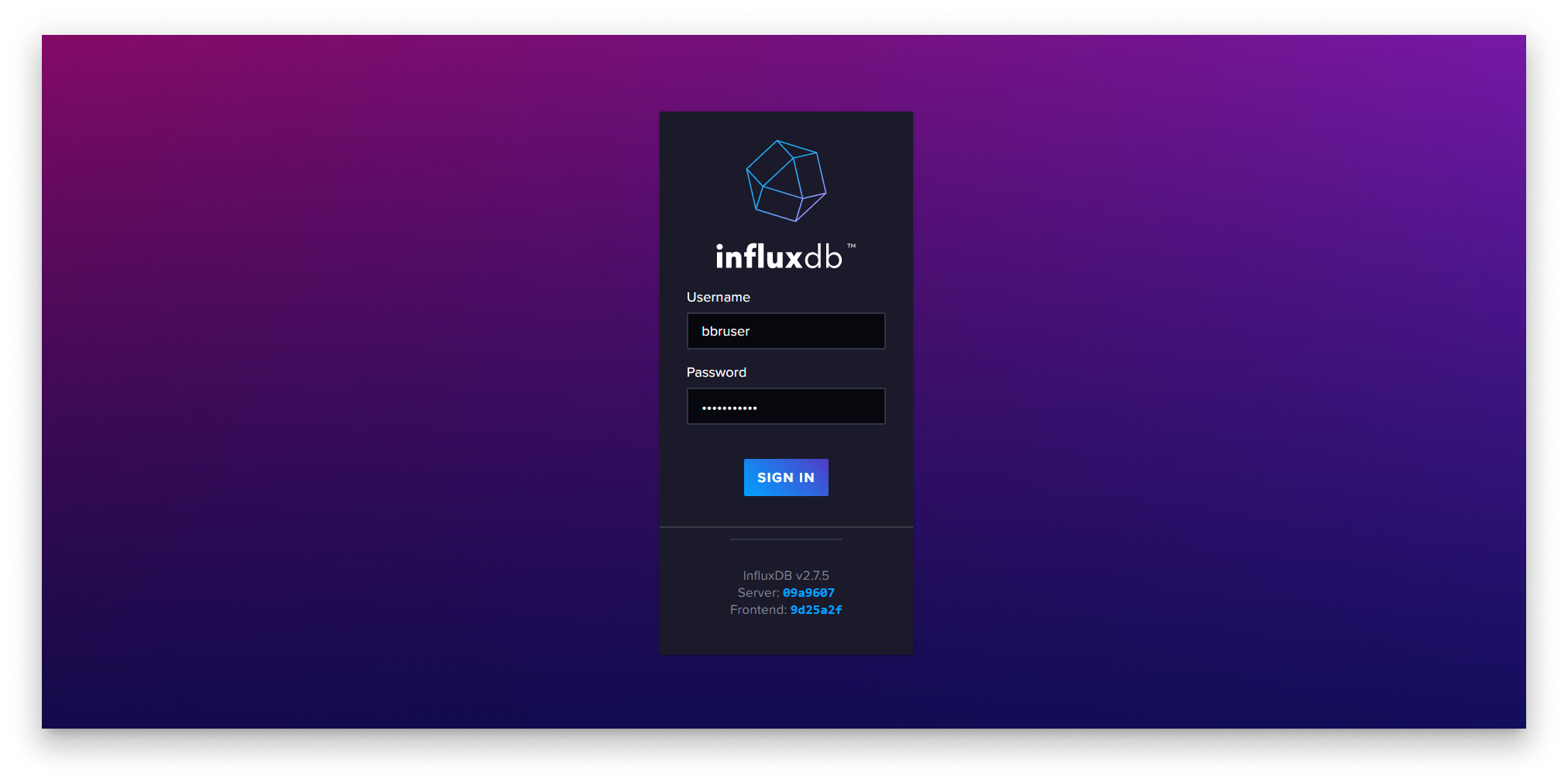
InfluxDB home
- Open Data Explorer from the side menu.
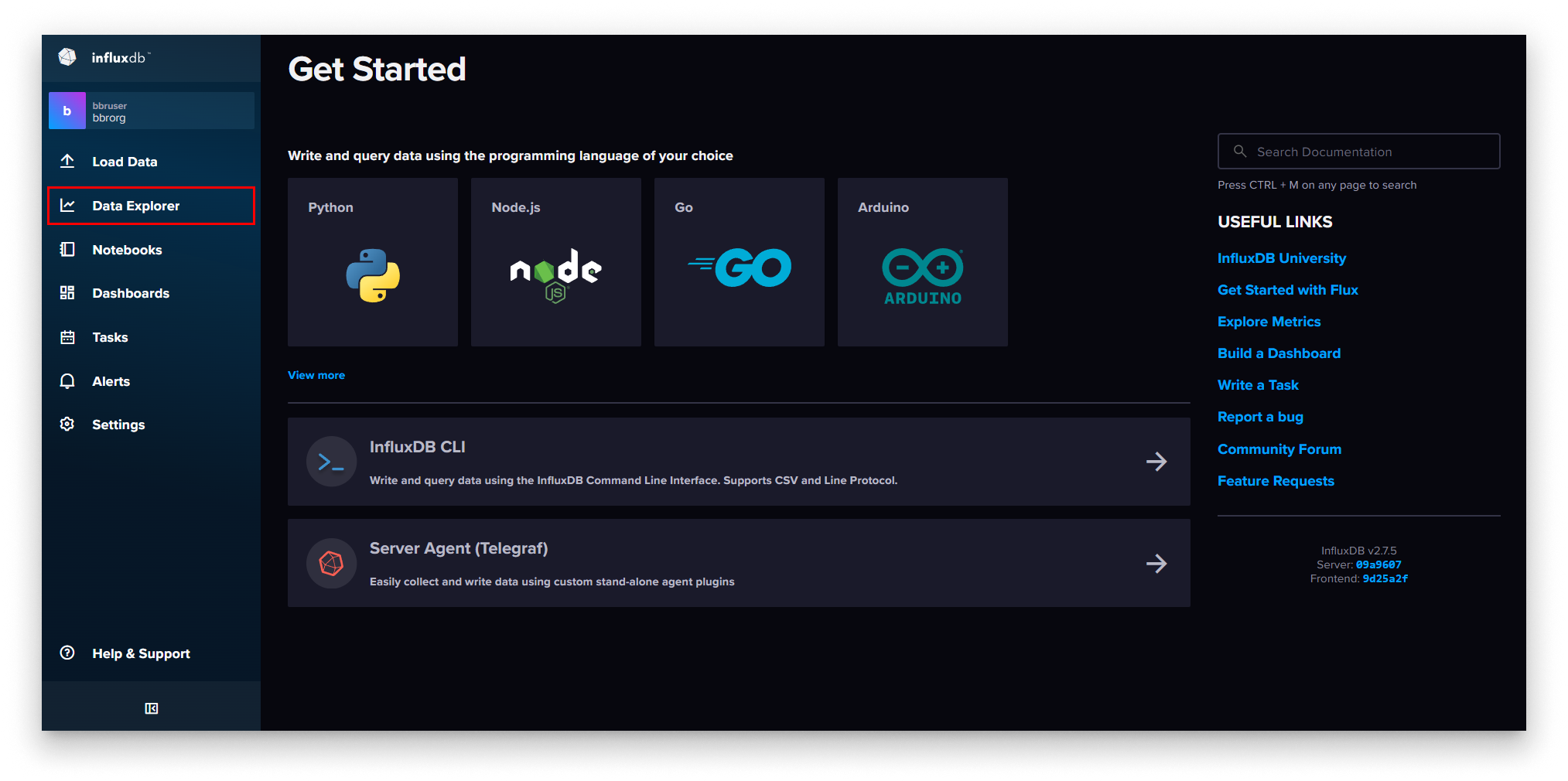
Data Explorer in InfluxDB
-
Build a query:
- FROM —
bbrbucket. - _measurement filter —
testDevice. - Aggregate function —
last.
- FROM —
-
Click Submit.
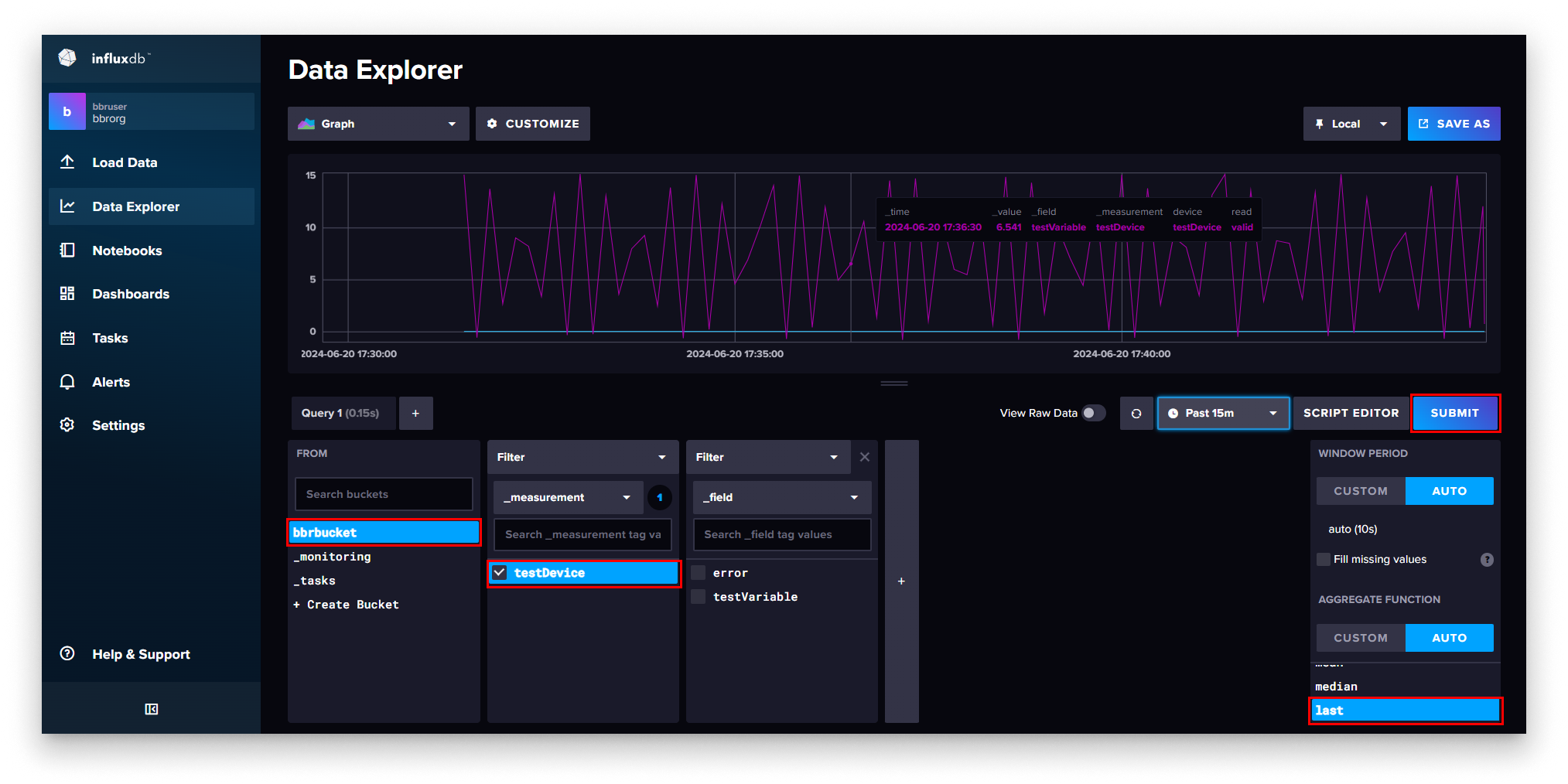
InfluxDB query submission
If the pipeline is wired correctly, the chart renders the latest data the Industrial Data Simulator has published.
Summary
The Ingester closes the loop between the MQTT Broker and InfluxDB — every message the simulator publishes now lands as a point in the bbrbucket bucket, ready to be queried. In Step 5 you will deploy Grafana to turn that data into a dashboard.