Step 5 — Deploy InfluxDB
This article refers to Platform v3.0.0. The current Platform version is v3.4.0.
This step assumes the previous four steps are already running on the node (MQTT Broker, Video Simulator, Video Player, YOLOv8).
Overview
This step deploys InfluxDB, the time-series database that will persist the inference telemetry the YOLOv8 server publishes. The next step deploys the MQTT-InfluxDB Ingester that actually moves the data from the broker into a bucket.
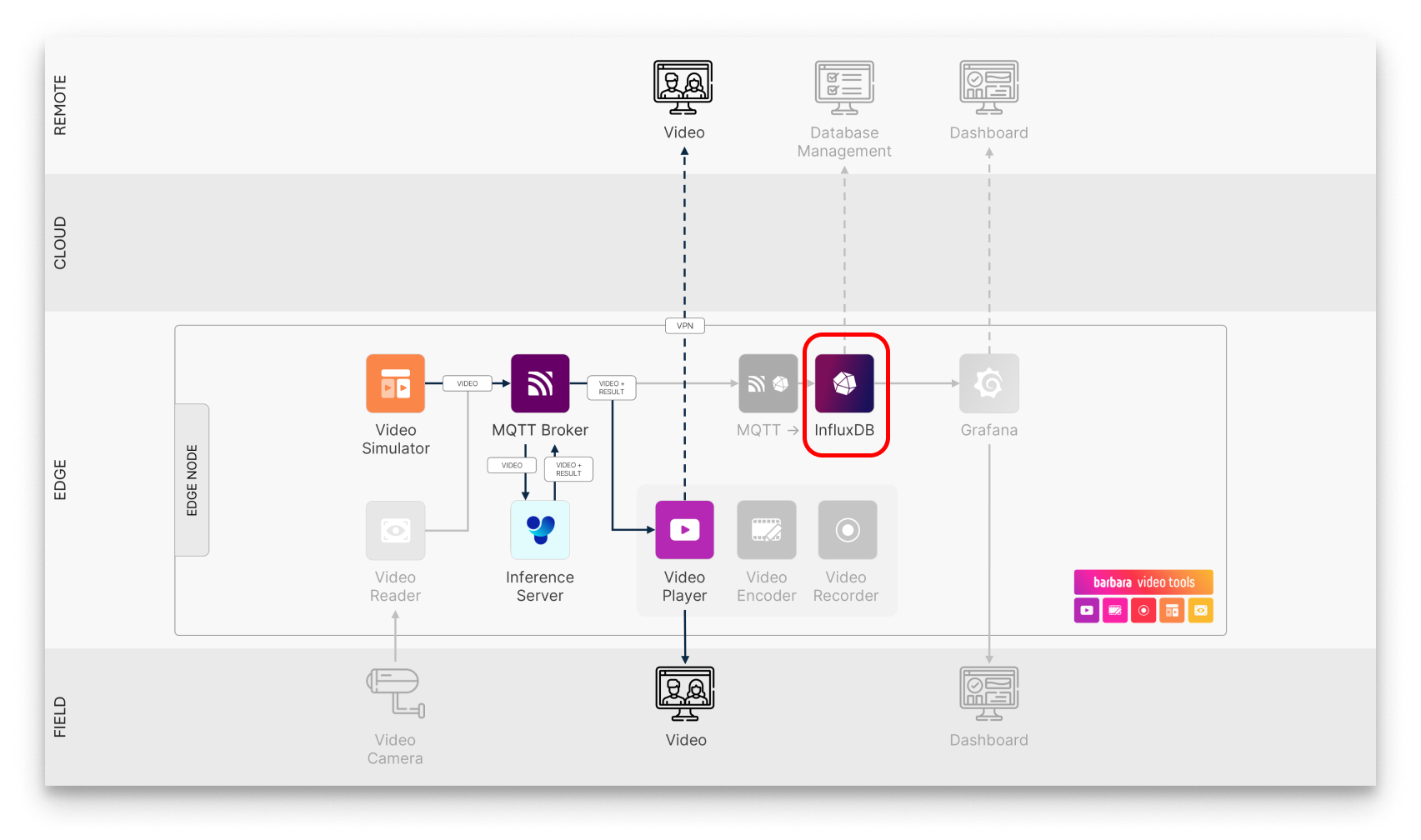
InfluxDB in the pipeline
Visit the upstream InfluxData site for the database reference.
Add InfluxDB to your Library


InfluxDB
Open-source time-series database designed to store, query, and analyse large amounts of time-stamped data.
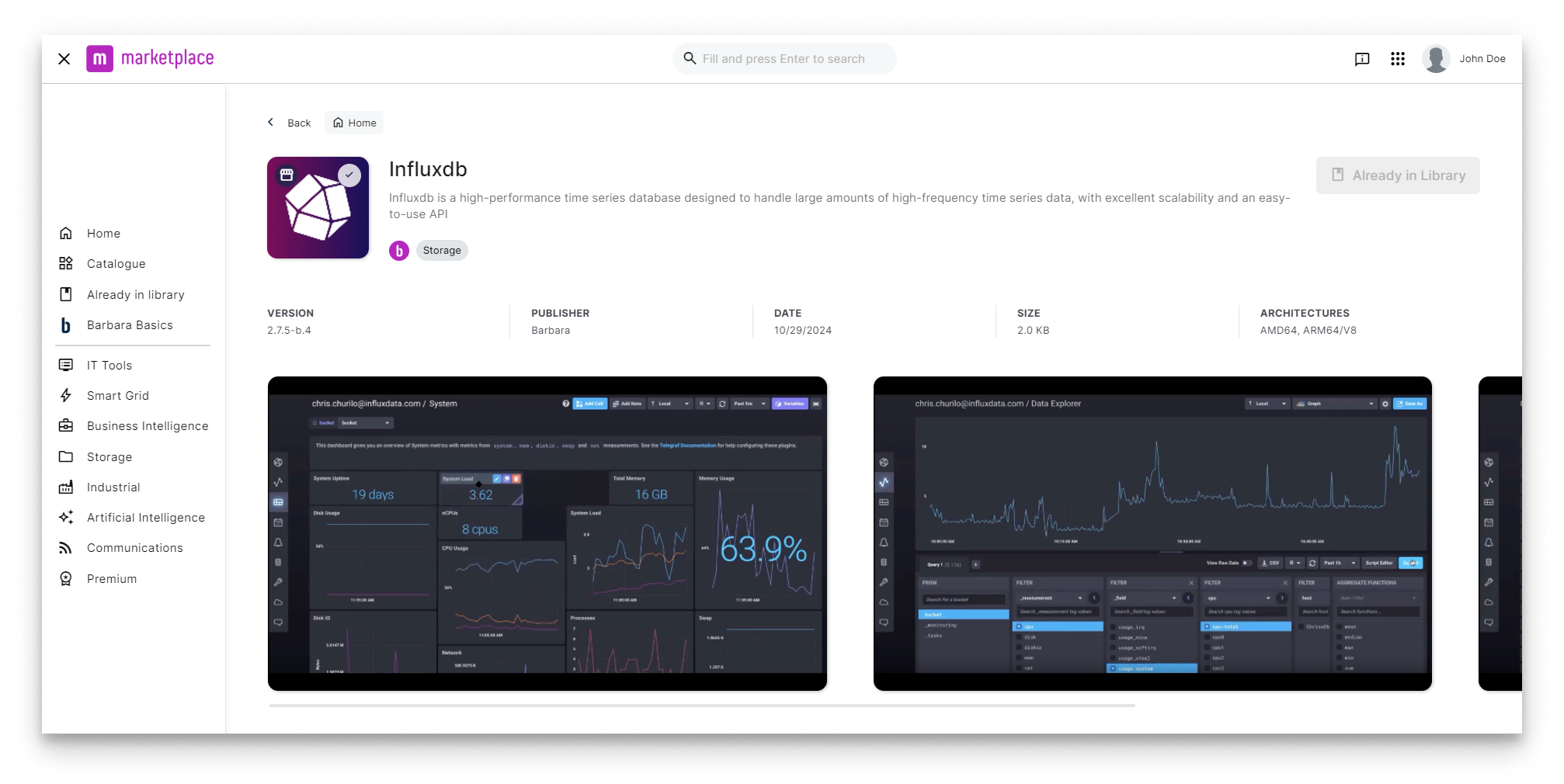
InfluxDB in the Marketplace
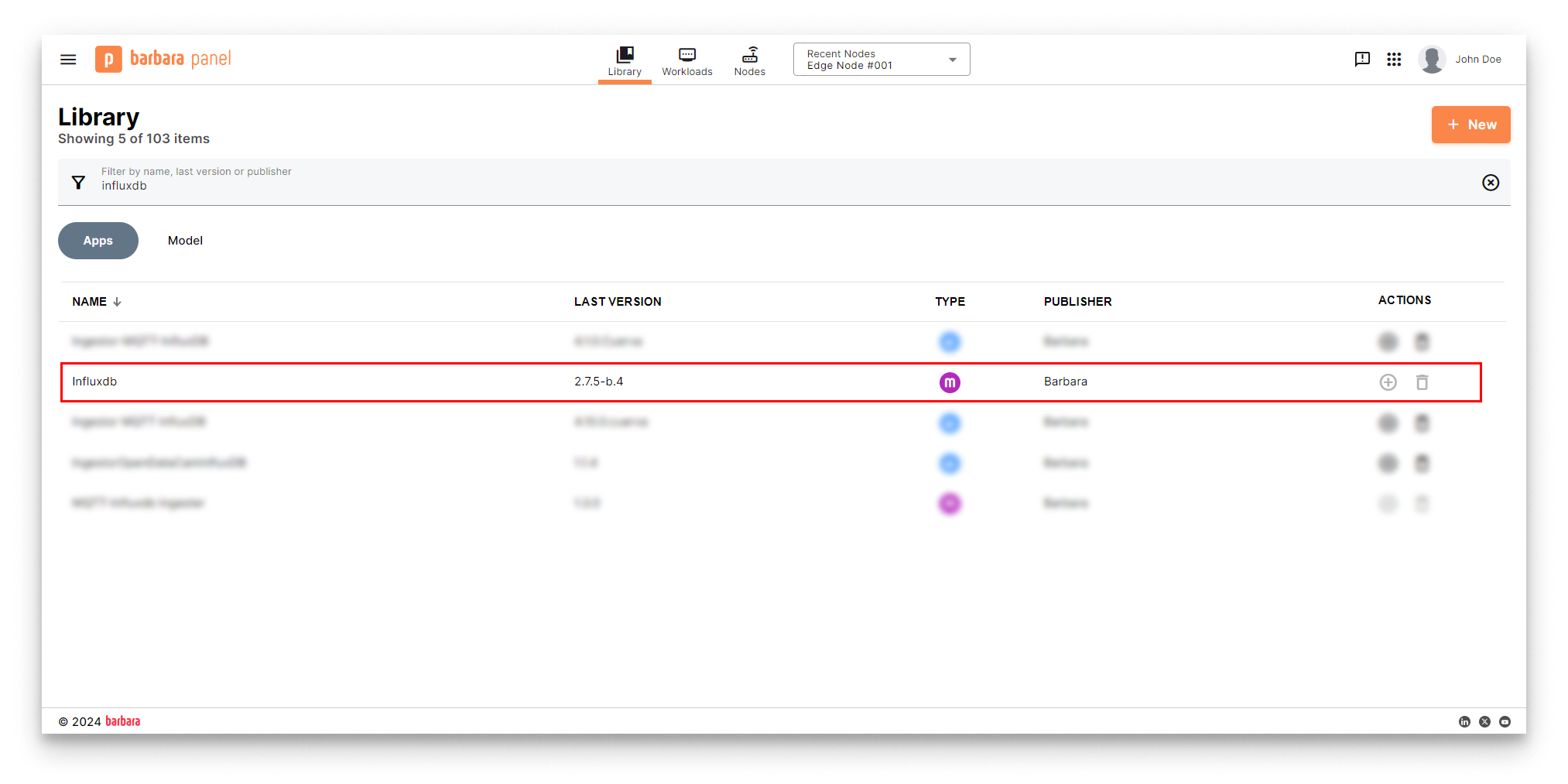
InfluxDB in the App Library
Deploy InfluxDB
- Open the Node Details page and click Add card → Application.
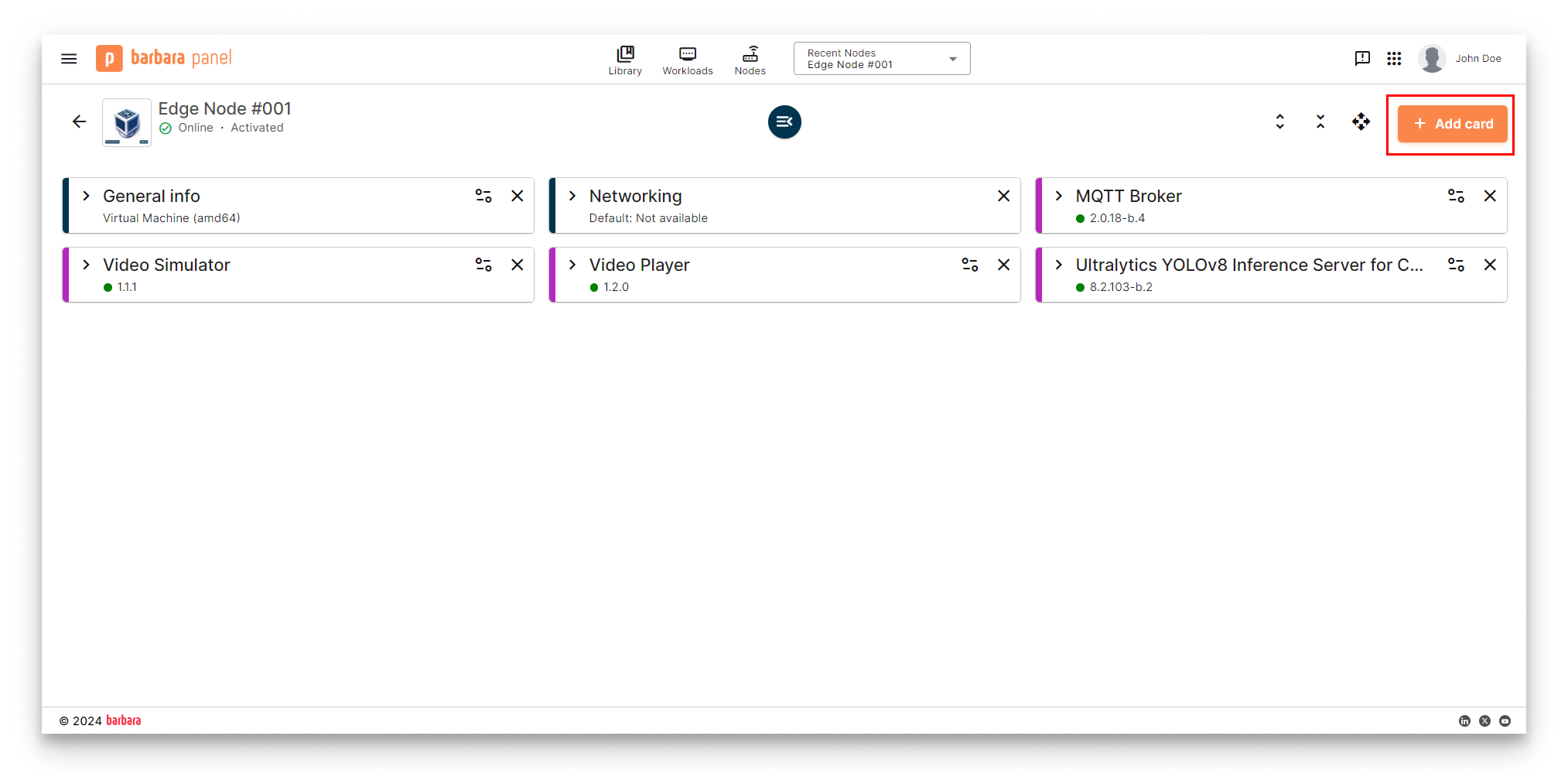
Add card menu
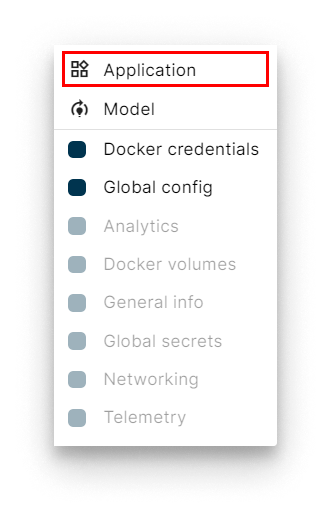
Select Application
- Select app and version. Pick InfluxDB and its latest version. Click Next.
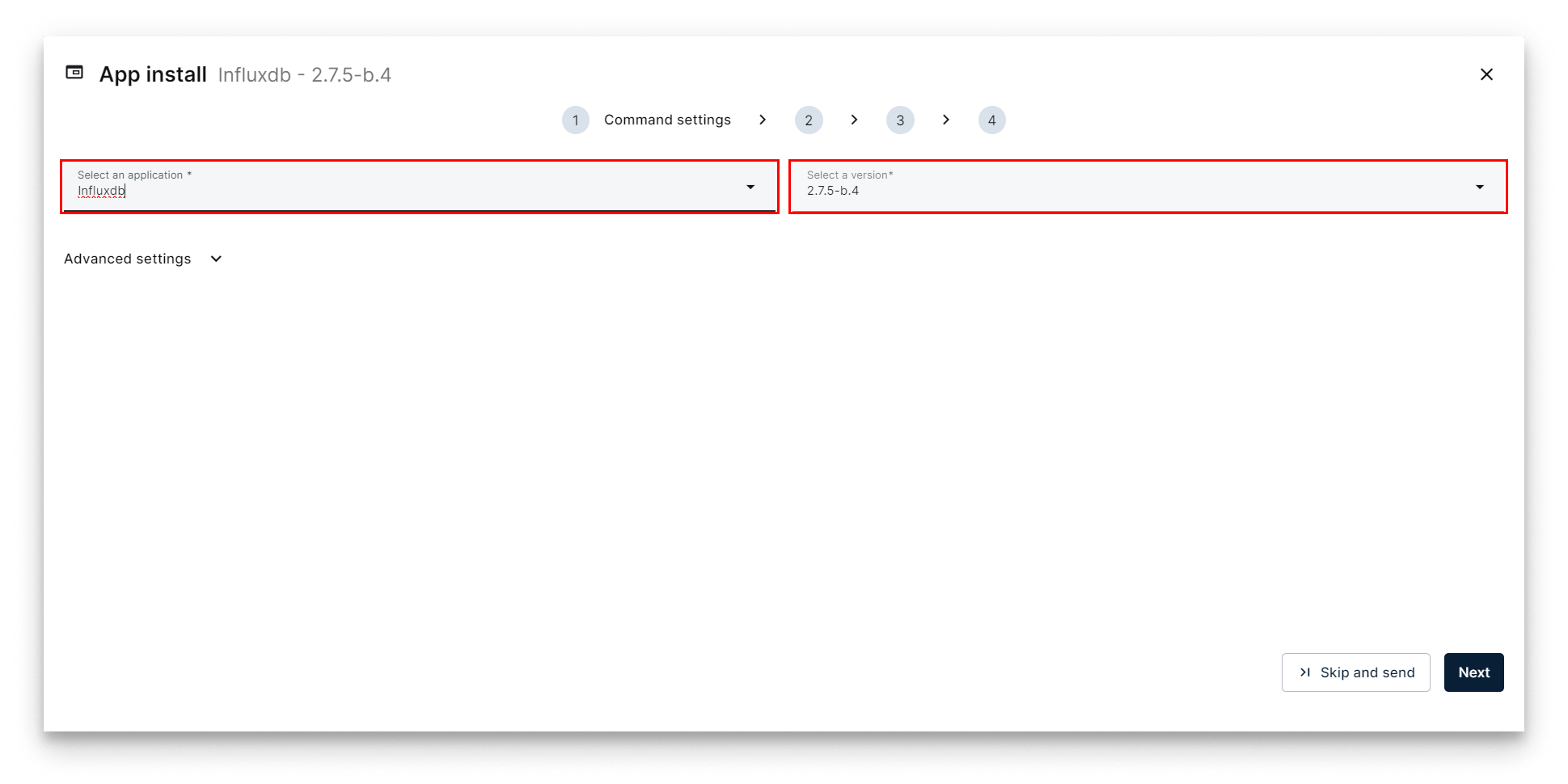
Select InfluxDB
- App Secrets. Keep the defaults and click Next.
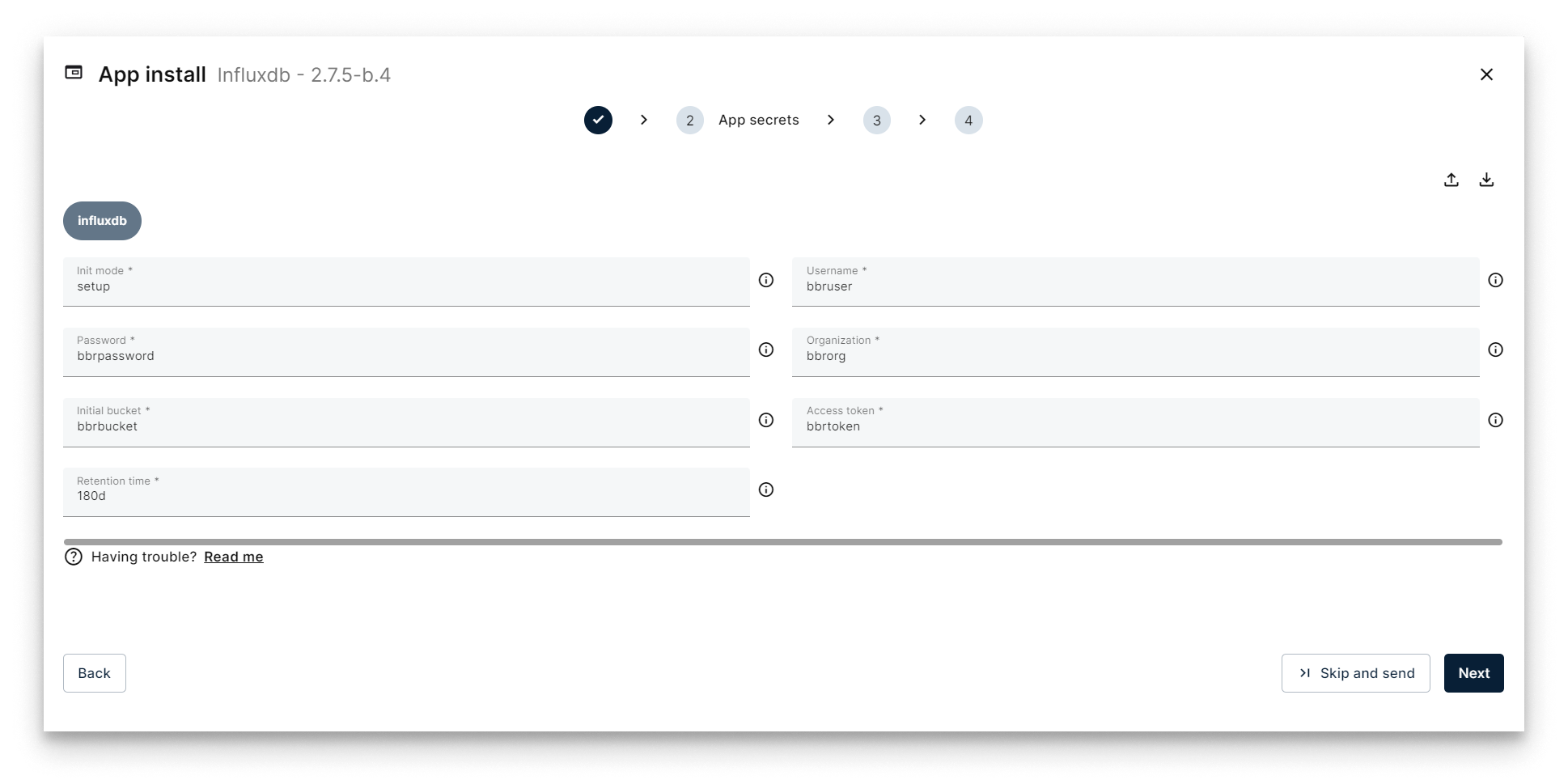
App Secrets for InfluxDB
- Compose Config. The single configurable knob is InfluxDB Port. Keep the default
8086.
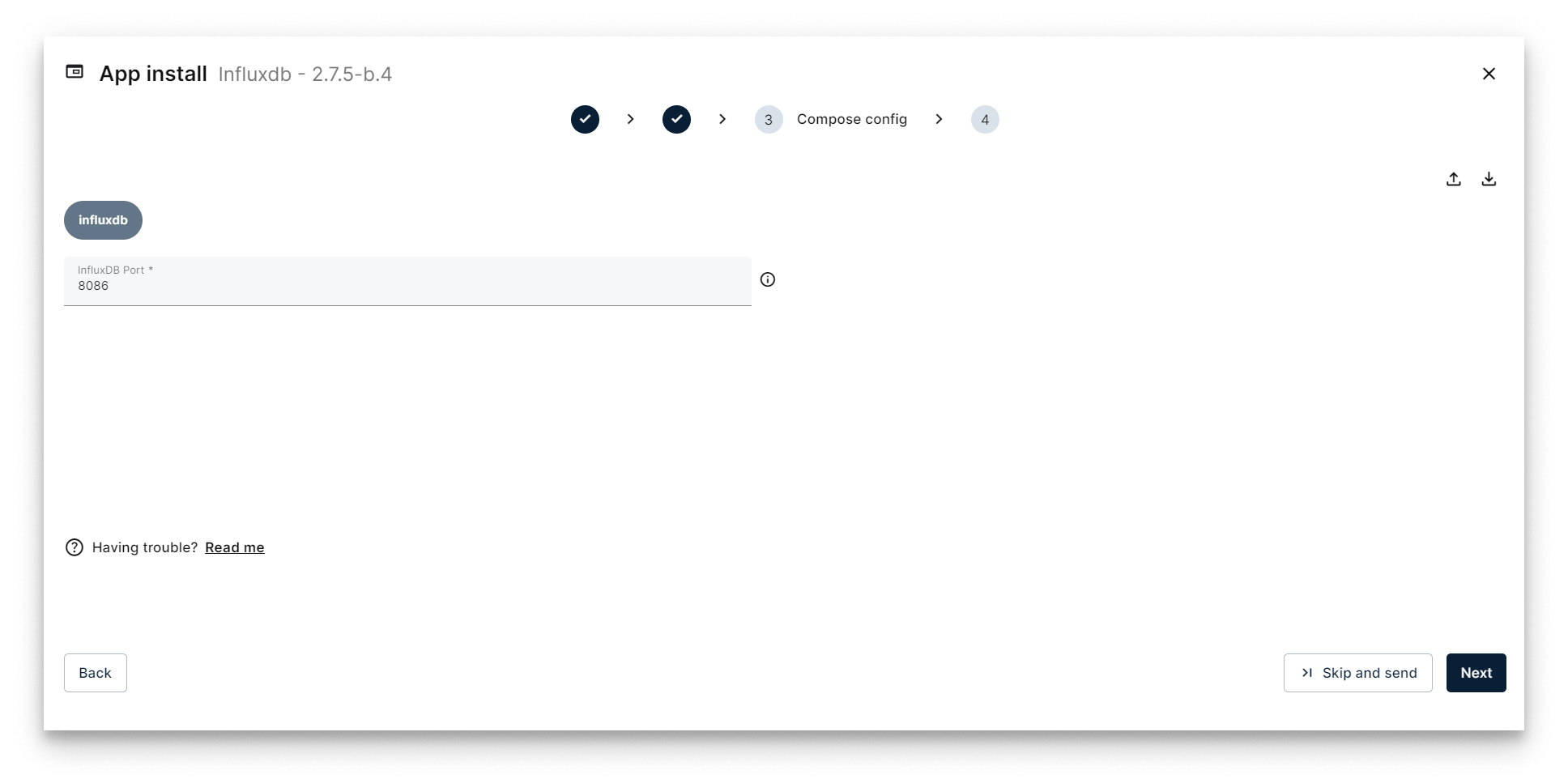
Compose Config for InfluxDB
- App Config. Leave it empty and click Send App.
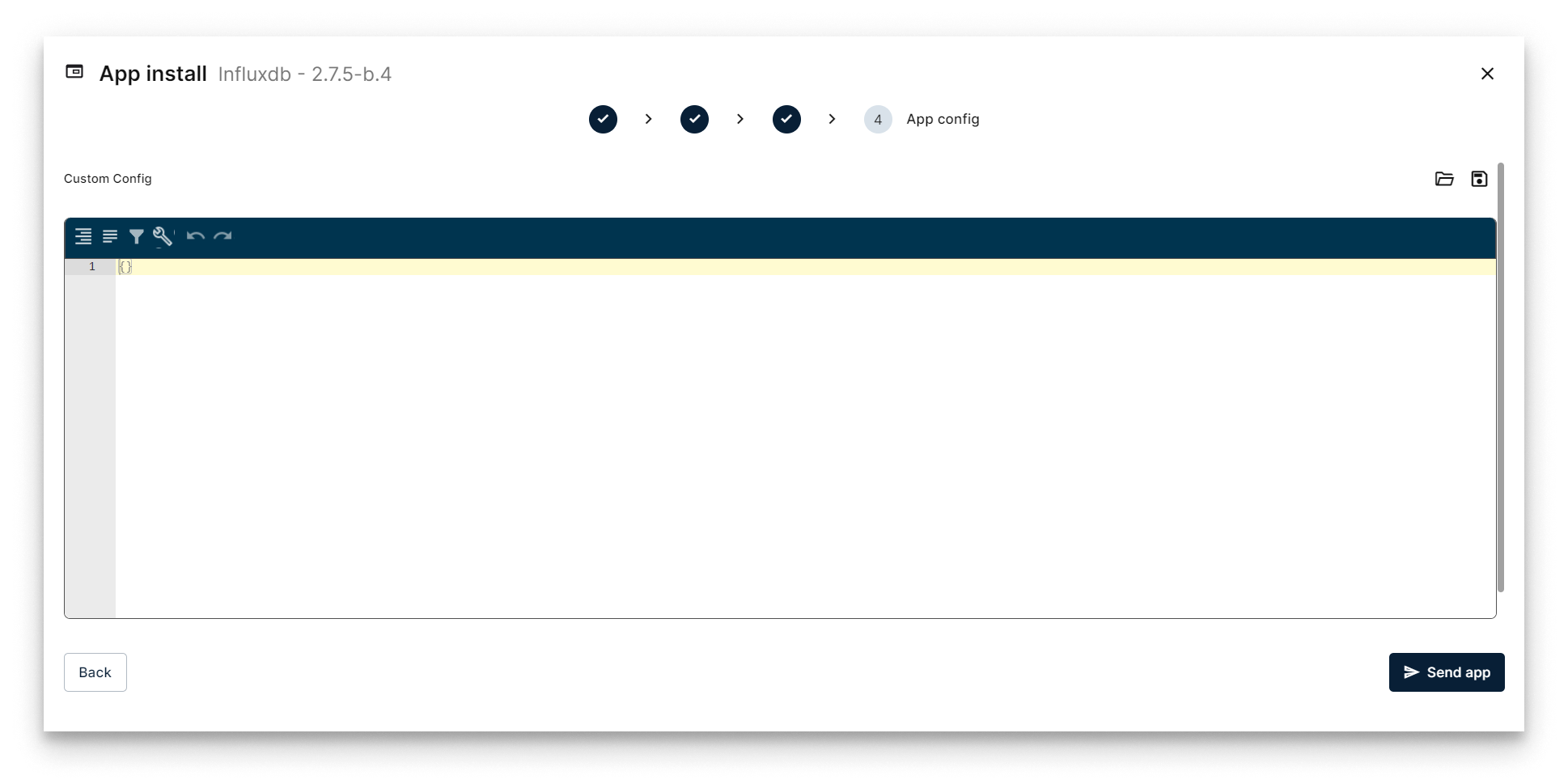
Send InfluxDB deployment
Verify the deployment
The InfluxDB workload card appears on the Node Details page. When it turns green (Started), the database is up.
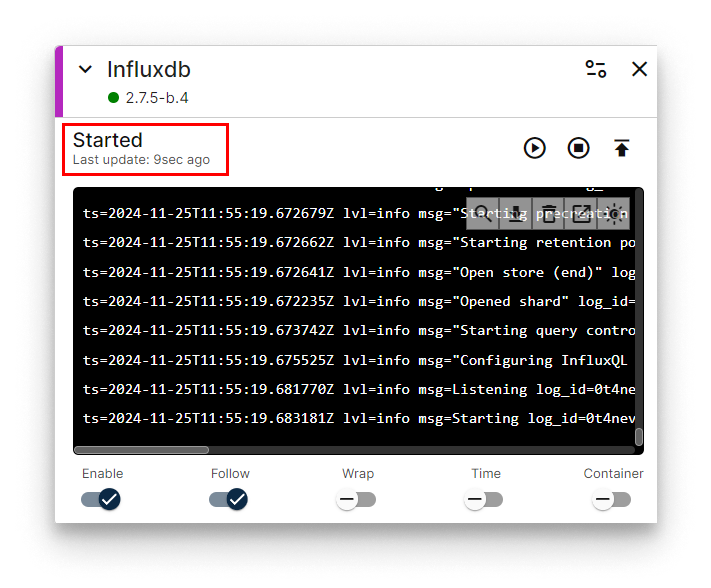
InfluxDB workload card
Access the InfluxDB web UI
Open http://<NODE_IP>:8086 in a browser and log in with the credentials defined in App Secrets (defaults bbruser / bbrpassword).
| Parameter | Default value | Set in |
|---|---|---|
| Port | 8086 | Compose Config |
| User | bbruser | App Secrets |
| Password | bbrpassword | App Secrets |
If your laptop is on a different network than the node, enable the VPN and use the node's VPN IP instead.
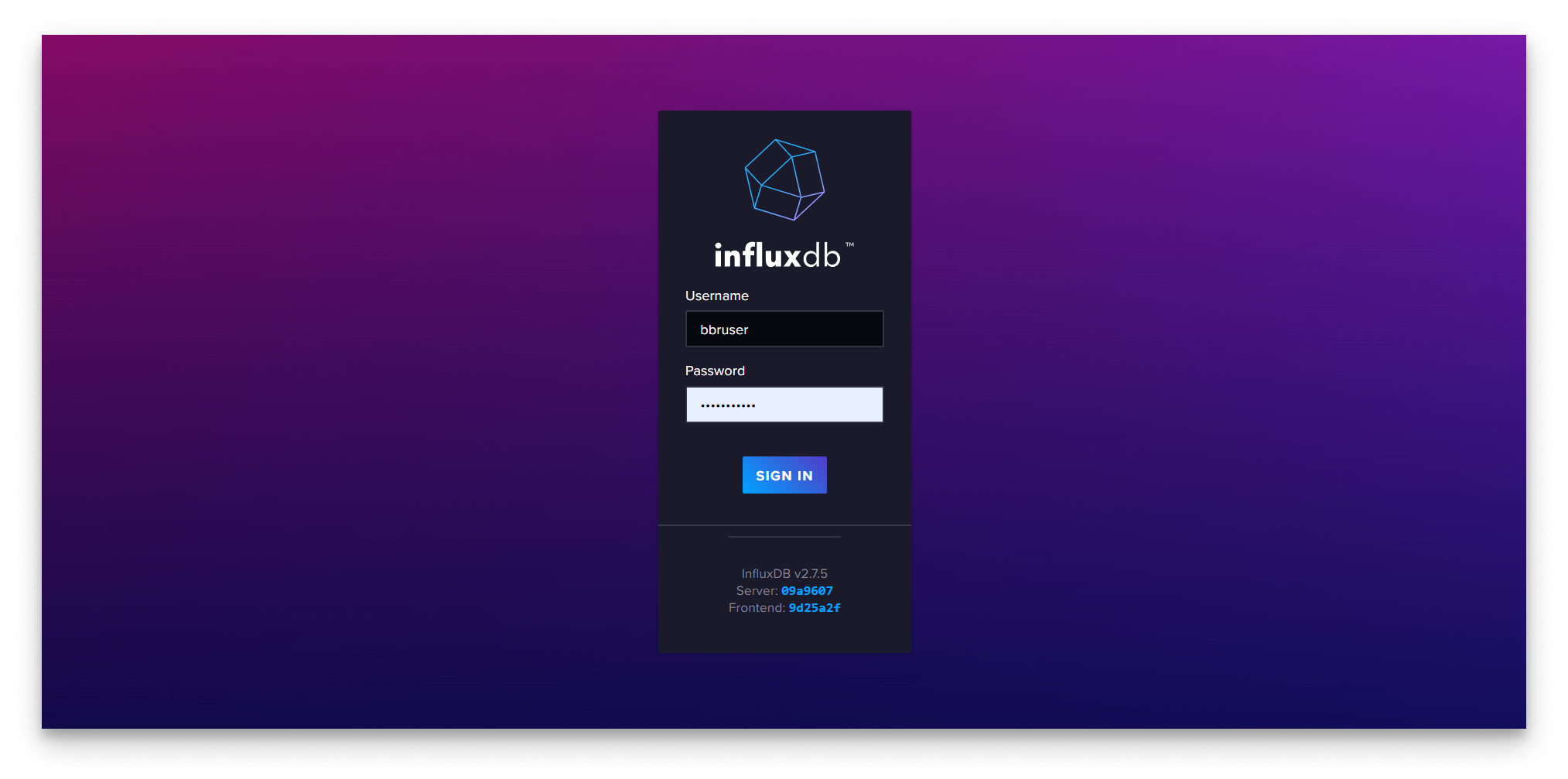
InfluxDB login
After logging in, you land on the InfluxDB home.
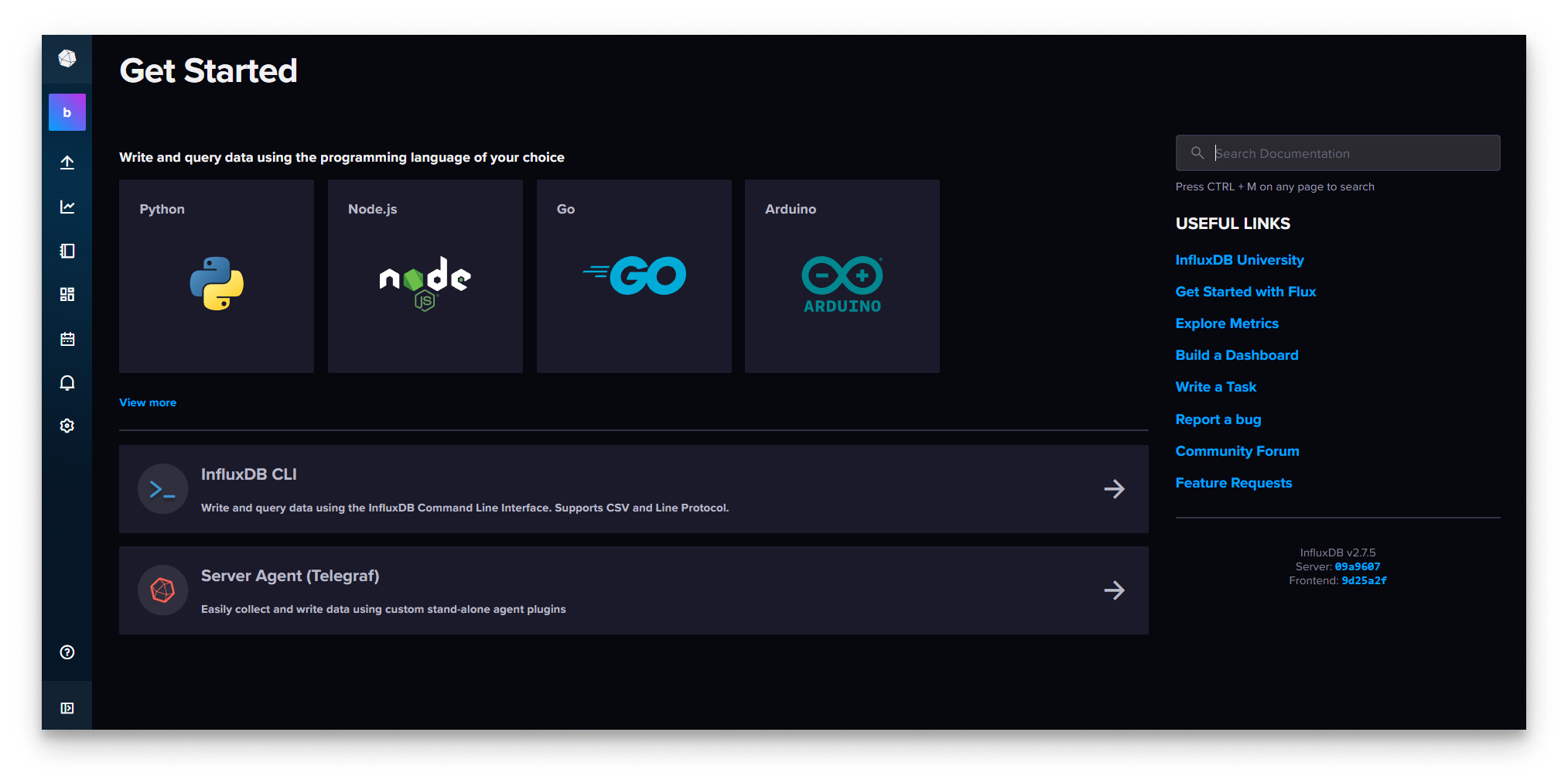
InfluxDB home
Summary
InfluxDB is up and reachable on port 8086 but still empty. In Step 6 you will deploy the MQTT-InfluxDB Ingester that ships the YOLOv8 telemetry from the broker into a bucket.