Python SDK
This article refers to Platform v3.0.0. The current Platform version is v3.4.0.
Overview
The barbara-sdk Python library lets you drive Barbara Panel from inside a Python program — typically a Jupyter notebook used for model training. You can list nodes, upload a trained model to the App Library, and deploy it to a node, all from a few function calls. This article walks through the SDK with a Titanic survival-prediction example.
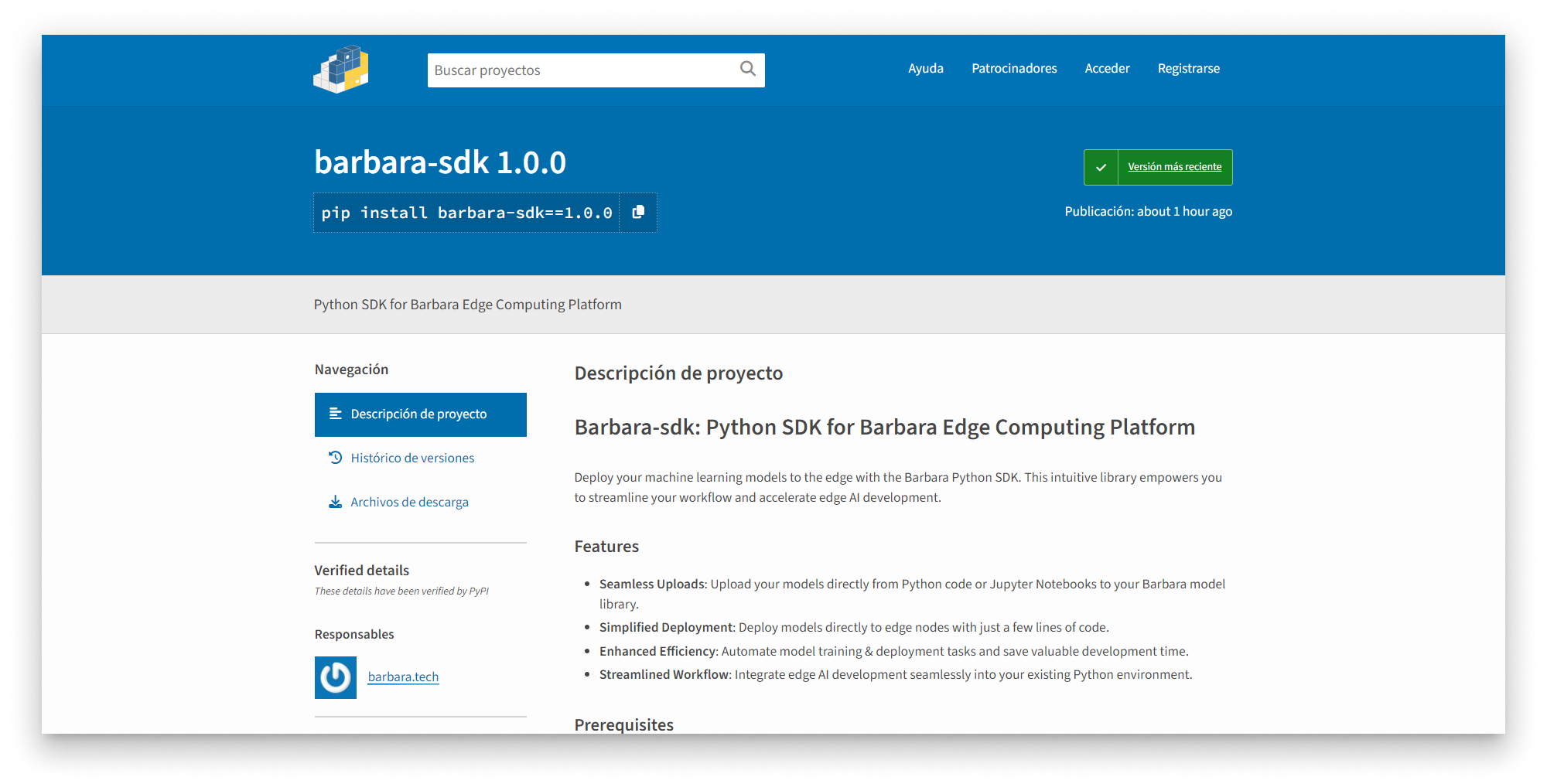
barbara-sdk on PyPI
Features
- Upload trained models from Python or a Jupyter notebook to the Panel Library.
- Deploy models to edge nodes without leaving your training environment.
- Automate the full train → upload → deploy loop in scripts.
- Integrate edge AI development into the rest of your Python workflow.
Prerequisites
- Python 3.8 or newer.
- A Barbara platform account.
- Barbara API credentials:
username— your Panel account email.password— your Panel account password.client_id— provided by the Barbara support team.client_secret— provided by the Barbara support team.
API credentials are only available with an Enterprise license. Contact the Barbara support team if you need to upgrade.
Walkthrough — train and deploy a Titanic survival model
The example trains a small neural network that predicts whether a Titanic passenger survives, then uploads and deploys it from the notebook.
1. Install the library
pip install barbara-sdk
2. Download the example
Download the Titanic example: titanic_notebook_example.zip.
Unzip the file. You will find:
| File | Purpose |
|---|---|
titanic_example.ipynb | Jupyter notebook with the full example. |
titanic.csv | Passenger dataset. |
credentials.json | Empty credentials file you need to fill in. |
3. Fill in your credentials
Open credentials.json and replace the placeholders with the four API credentials.
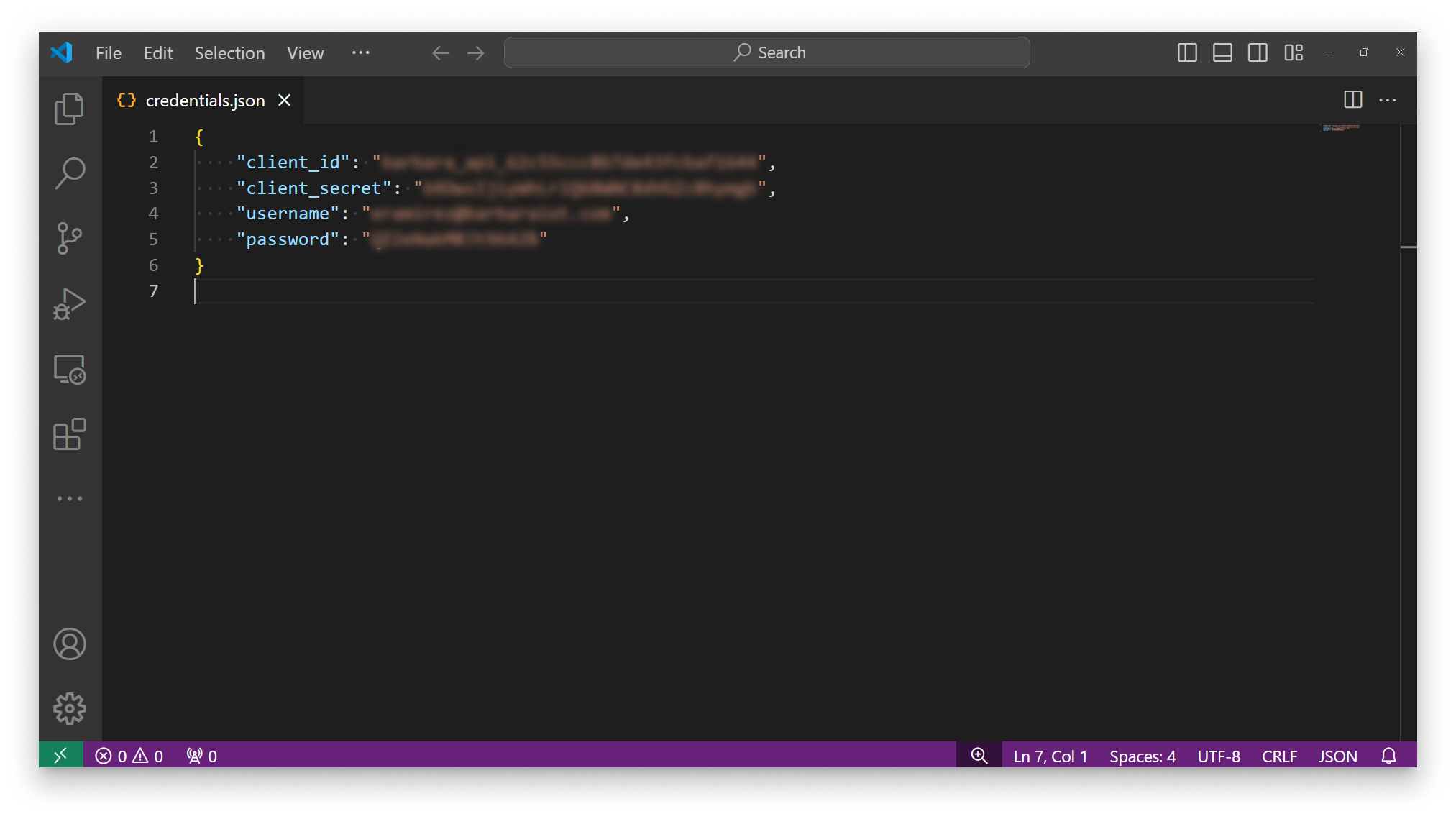
Fill in the credentials.json file
4. Open the notebook
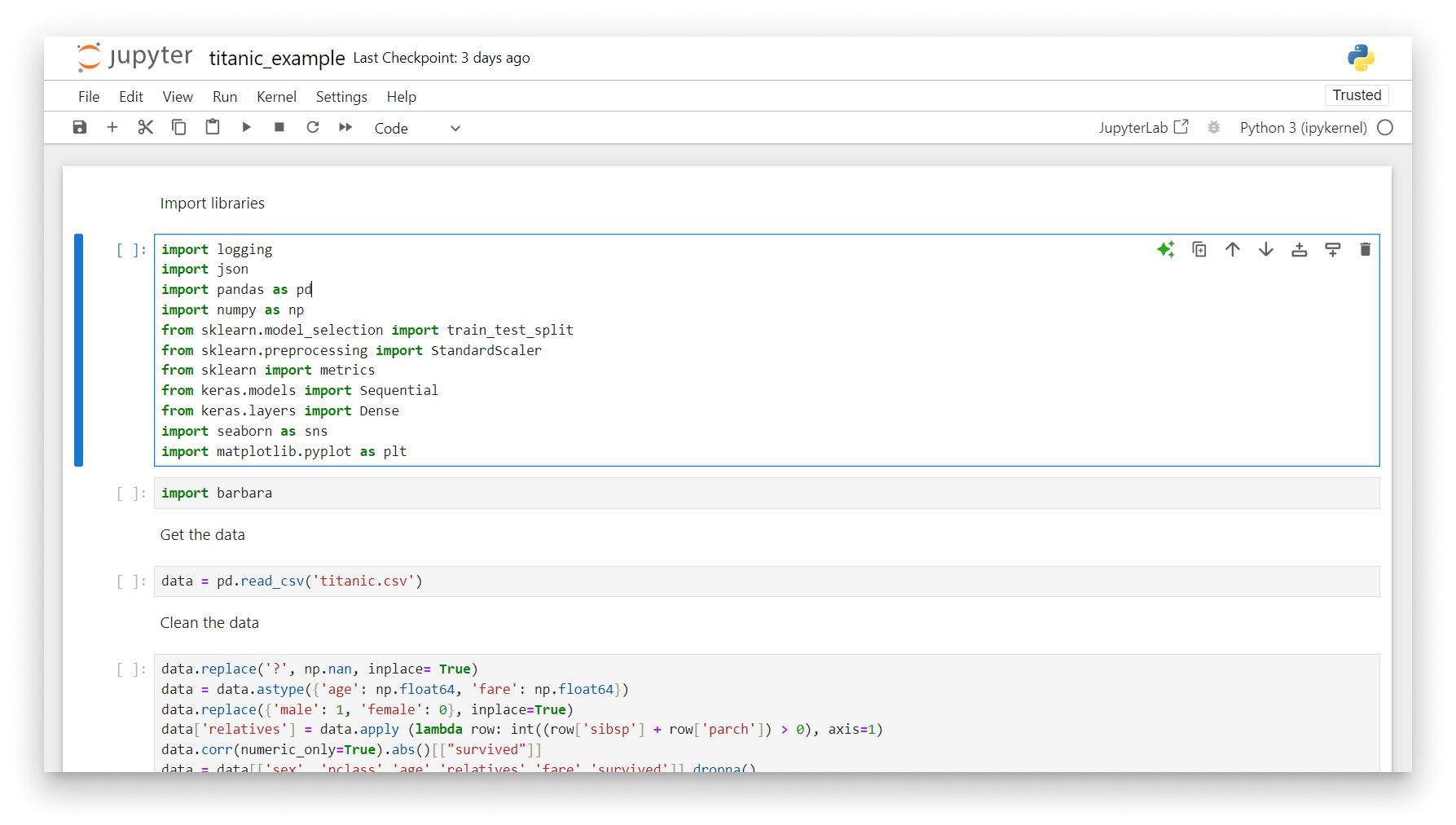
Titanic example in Jupyter notebook
Train the model
Imports
import json
import logging

import numpy as np
import pandas as pd
import seaborn as sns
import matplotlib.pyplot as plt
from sklearn import metrics
from sklearn.model_selection import train_test_split
from sklearn.preprocessing import StandardScaler
from keras.models import Sequential
from keras.layers import Dense

import barbara
Load the data
data = pd.read_csv('titanic.csv')
The CSV is read into a pandas DataFrame:
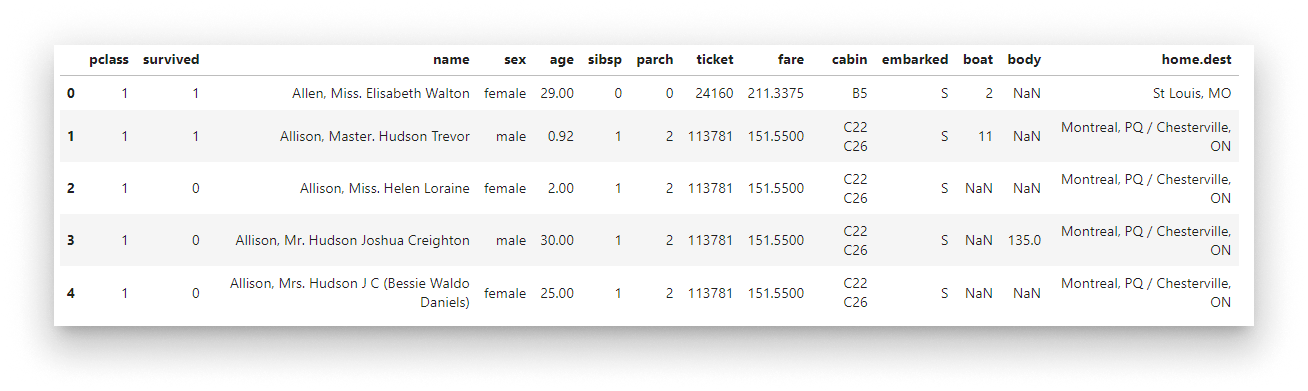
Raw Titanic data
Clean the data
Handle missing values, convert types, encode the sex column, and derive a relatives feature:
data.replace('?', np.nan, inplace=True)
data = data.astype({'age': np.float64, 'fare': np.float64})
data.replace({'male': 1, 'female': 0}, inplace=True)
data['relatives'] = data.apply(lambda row: int((row['sibsp'] + row['parch']) > 0), axis=1)
data = data[['sex', 'pclass', 'age', 'relatives', 'fare', 'survived']].dropna()
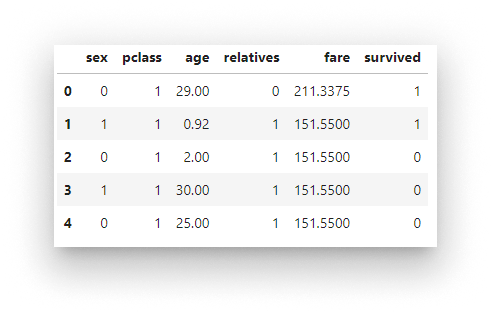
Cleaned Titanic data
Visualise
fig, axs = plt.subplots(ncols=3, figsize=(20, 3))
sns.violinplot(x="survived", y="age",  hue="sex", data=data, ax=axs[0])
sns.pointplot(x="pclass",   y="survived", hue="sex", data=data, ax=axs[1])
sns.violinplot(x="survived", y="fare", hue="sex", data=data, ax=axs[2])
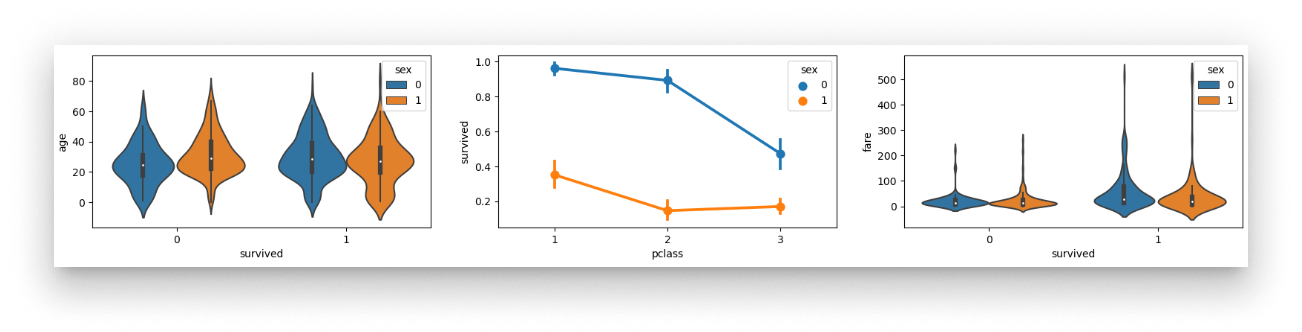
Survival plots by sex
Train / test split + standardisation
x_train, x_test, y_train, y_test = train_test_split(
    data[['sex', 'pclass', 'age', 'relatives', 'fare']],
    data.survived,
    test_size=0.2,
    random_state=0,
)

sc = StandardScaler()
X_train = sc.fit_transform(x_train)
X_test  = sc.transform(x_test)
Standardisation puts every feature on the same scale (zero mean, unit standard deviation). Most ML algorithms converge faster and reach better accuracy when every input has a similar range.
Build and train the network
A tiny Keras Sequential model with two hidden layers of 5 ReLU neurons each, and a single sigmoid output:
model = Sequential()
model.add(Dense(5, kernel_initializer='uniform', activation='relu', input_dim=5))
model.add(Dense(5, kernel_initializer='uniform', activation='relu'))
model.add(Dense(1, kernel_initializer='uniform', activation='sigmoid'))
model.summary()
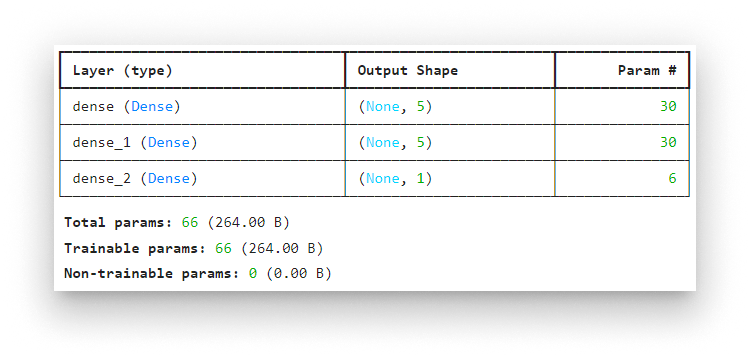
Keras model summary
Compile and train:
model.compile(optimizer="adam", loss="binary_crossentropy", metrics=["accuracy"])
model.fit(X_train, y_train, batch_size=32, epochs=50)
Test the model
y_pred = np.rint(model.predict(X_test).flatten())
print(metrics.accuracy_score(y_test, y_pred))
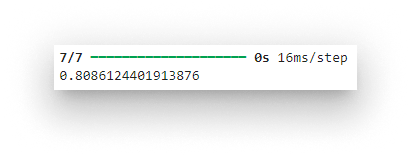
Test-set accuracy
Save the model
Export it in the layout the Barbara model wizard expects (<name>/<version>/):
model.export("titanic/1")
Deploy with the SDK
Authenticate
Load the credentials and instantiate the API client:
with open('./credentials.json') as f:
    cred = json.load(f)

logging.basicConfig(format='%(asctime)s %(levelname)s %(message)s', level=logging.INFO)

bbr = barbara.ApiClient(
    cred['client_id'],
    cred['client_secret'],
    cred['username'],
    cred['password'],
)
Upload the model
model_name = "Titanic"
bbr.models.upload("./titanic", model_name)
Inspect the Library:
bbr.models.list()
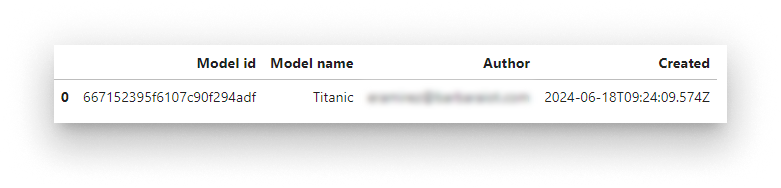
Models in the Library
List the versions of a specific model:
bbr.models.list_versions(model_name)
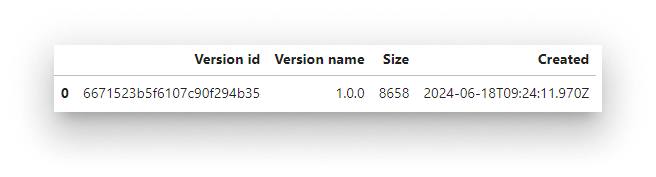
Versions of the Titanic model
Deploy to a node
List your nodes to pick the deployment target:
bbr.nodes.list()
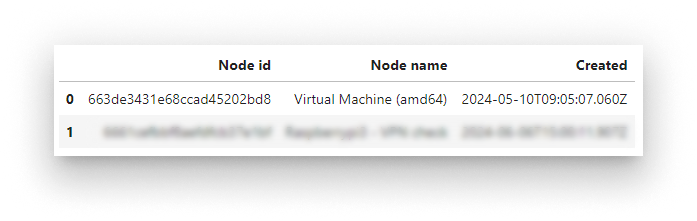
Edge nodes available to the account
Deploy:
node_name = "Virtual Machine (amd64)"
bbr.models.deploy(node_name, model_name)
Confirm the workload landed on the node:
bbr.workloads.list()
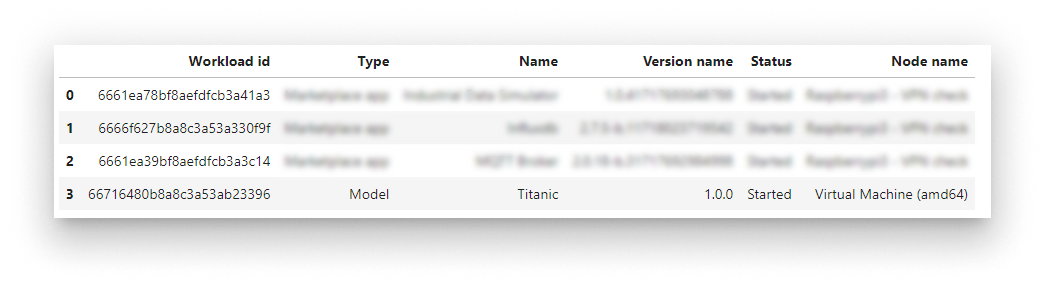
Workload list including the Titanic model
Operate the workload
Stop and start a workload by its ID:
workload_id = '666844535f6107c90fc2d6f6'
bbr.workloads.stop(workload_id)
bbr.workloads.start(workload_id)
Push a new version
Retrain locally, re-upload, and re-deploy in two calls:
bbr.models.upload("./titanic", model_name)
bbr.models.deploy(node_name, model_name)
Clean up
Remove the workload from the node:
bbr.workloads.remove(workload_id)
Remove the model from the Library:
bbr.models.delete(model_name)
Summary
The barbara-sdk lets you fold edge deployment into the rest of your Python workflow — from a Jupyter notebook you can train a model, upload it to the Library, deploy it to a node, and operate the resulting workload, all without context-switching to Panel. For the same operations from the UI, see the Models reference.