3.2 - Deploy a database ingester
This article refers to Platform v3.2.0. The current Platform version is v3.4.0.
Overview
In this step, you will deploy the MQTT-InfluxDB Ingester. An ingester is a lightweight service designed to listen to data streams (such as MQTT topics, files, or APIs) and write their payload into a storage backend.


MQTT-Influxdb Ingester
Service component responsible for extracting data from the MQTT Broker and forwarding it to the InfluxDB database.
Several ingesters are available in the Marketplace, depending on the services involved in your data flow (e.g., MQTT to InfluxDB, MQTT to MongoDB, and more). All of them are listed under the Storage category of the Marketplace: Storage apps in Barbara Marketplace.
Add the MQTT-InfluxDB Ingester to the App Library
Search for MQTT-InfluxDB Ingester in the Marketplace and click Add to Library. Alternatively, you can use the direct link provided above.
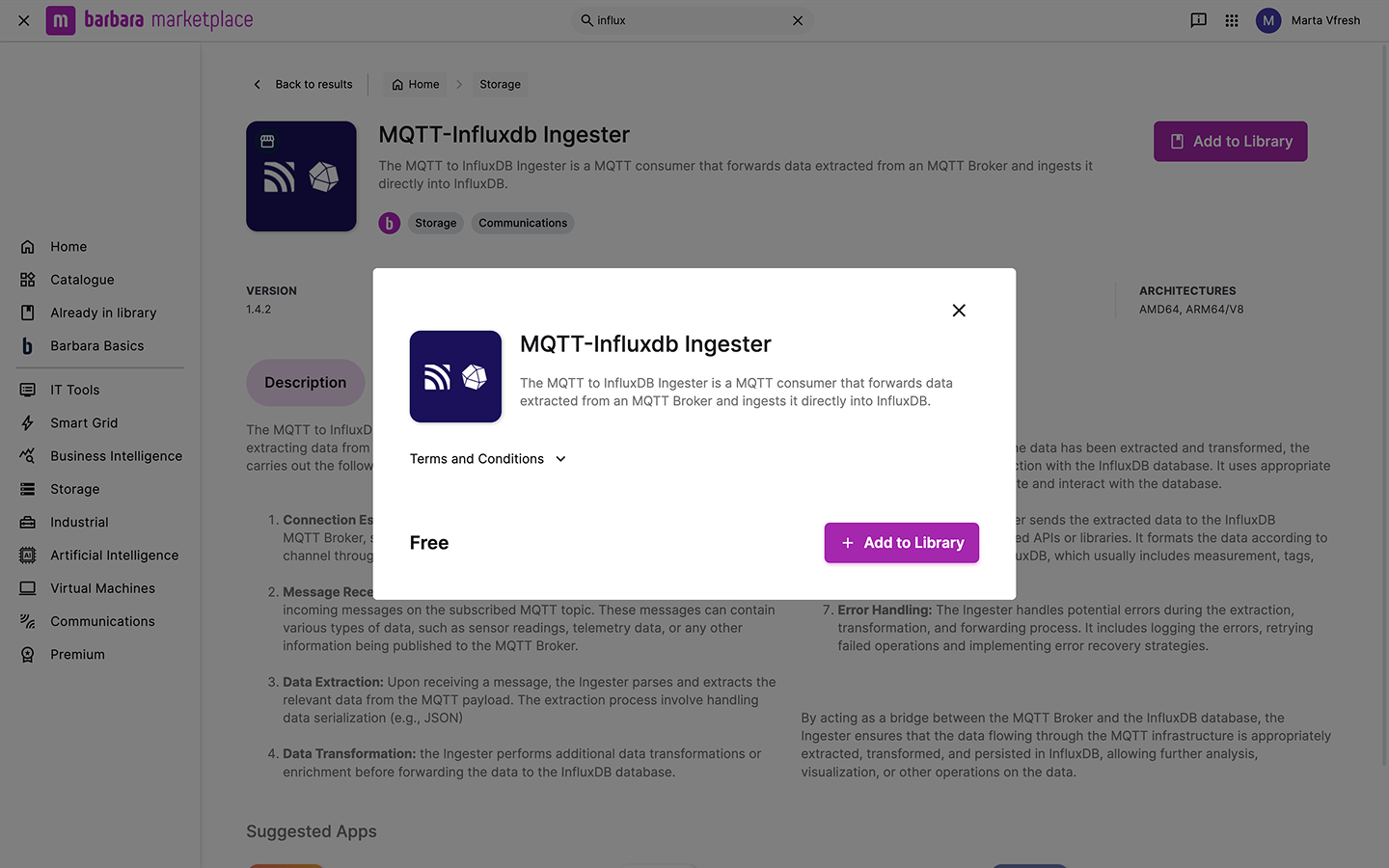
MQTT-InfluxDB Ingester in Marketplace
Once added, the ingester will be ready to deploy on your edge nodes from the Panel.
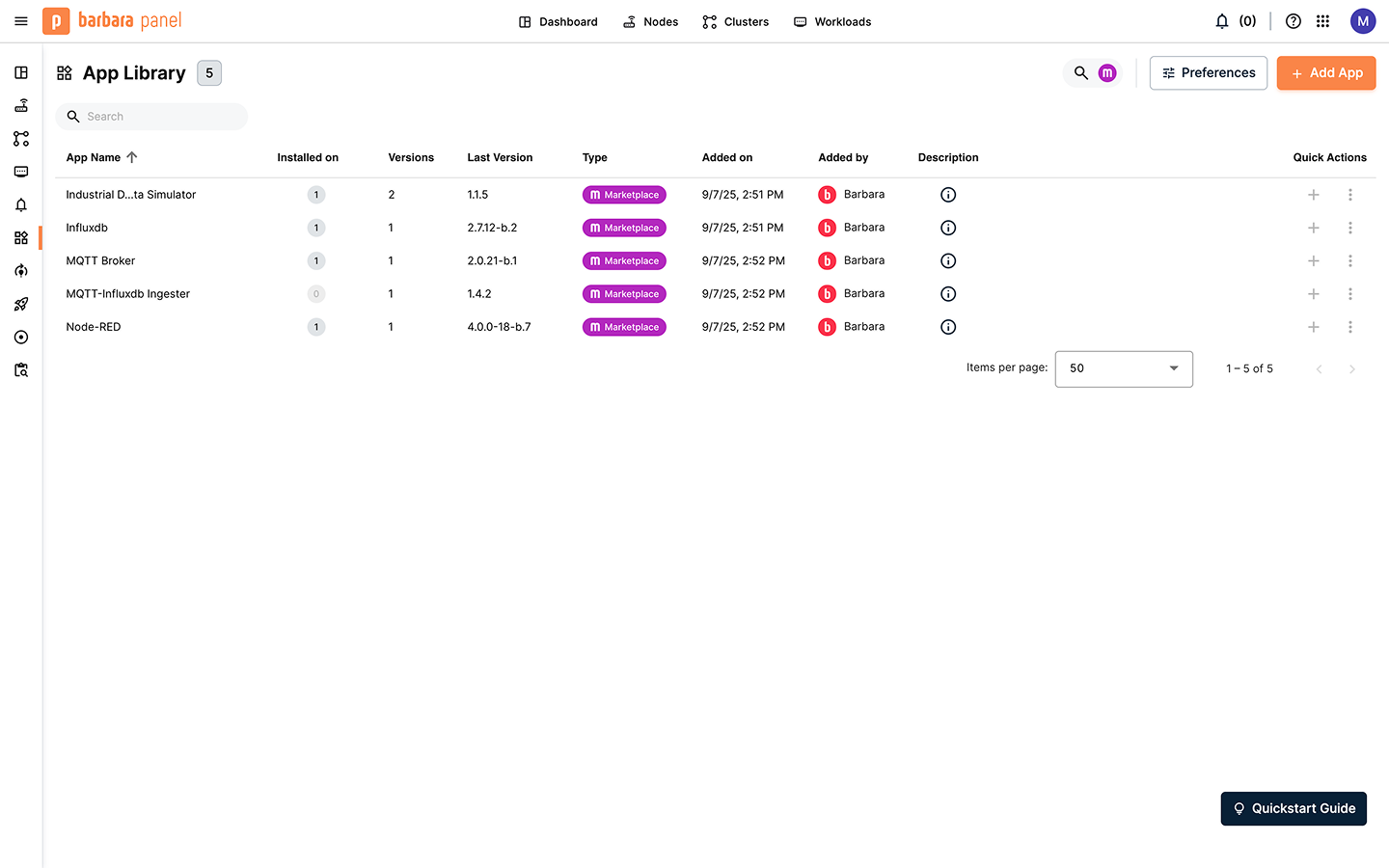
MQTT-InfluxDB Ingester in the Application Library
Deploy the Ingester in the Edge Node
Click the Add button on your node and select Application. Follow the steps below in the installation wizard.
1) Select application
Select the application "MQTT-InfluxDB Ingester" and choose the latest version. Click Next.
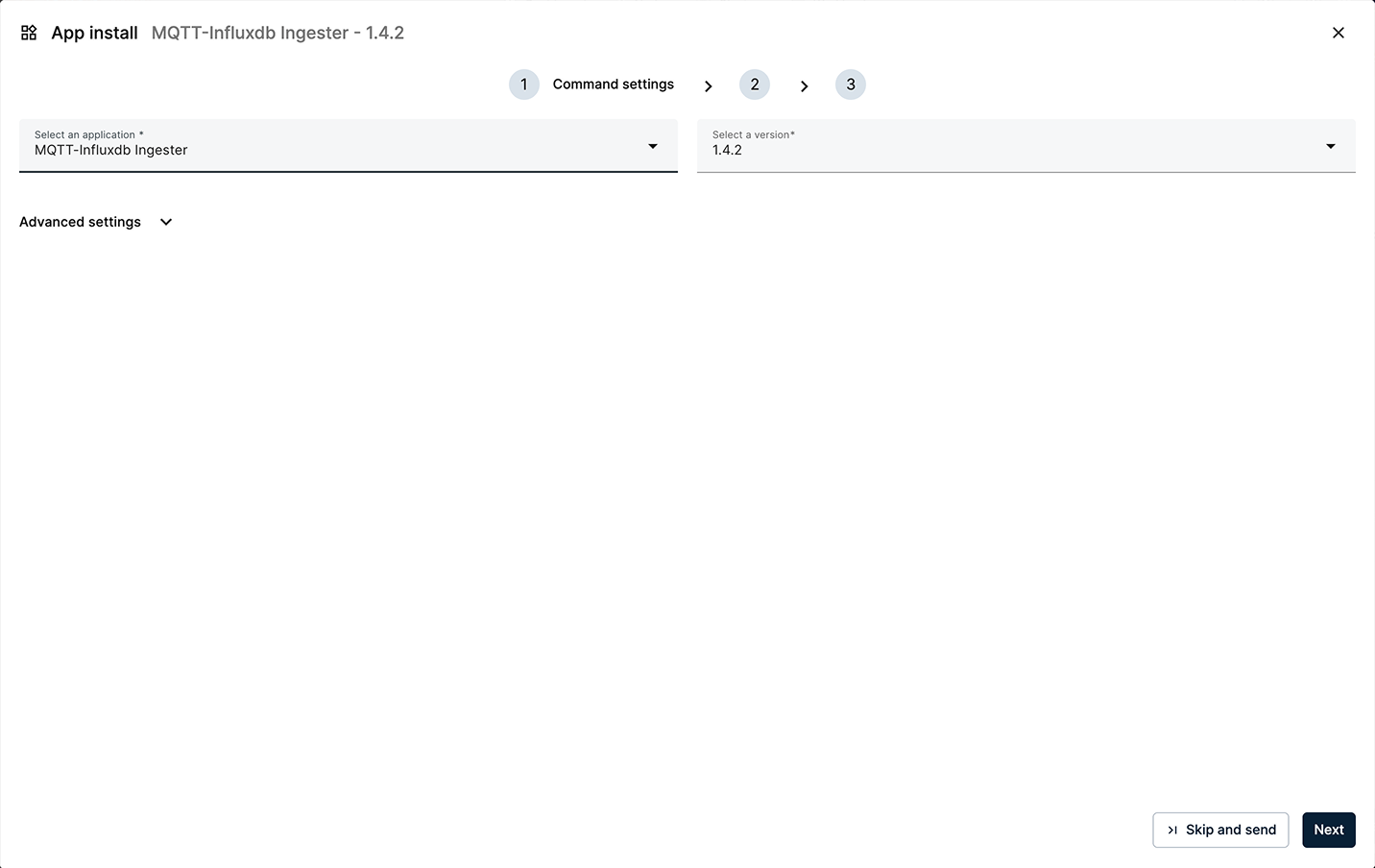
Select MQTT-InfluxDB Ingester and the latest version
2) App Secrets
Review the application secrets. For this tutorial, keep the default values and click Next.
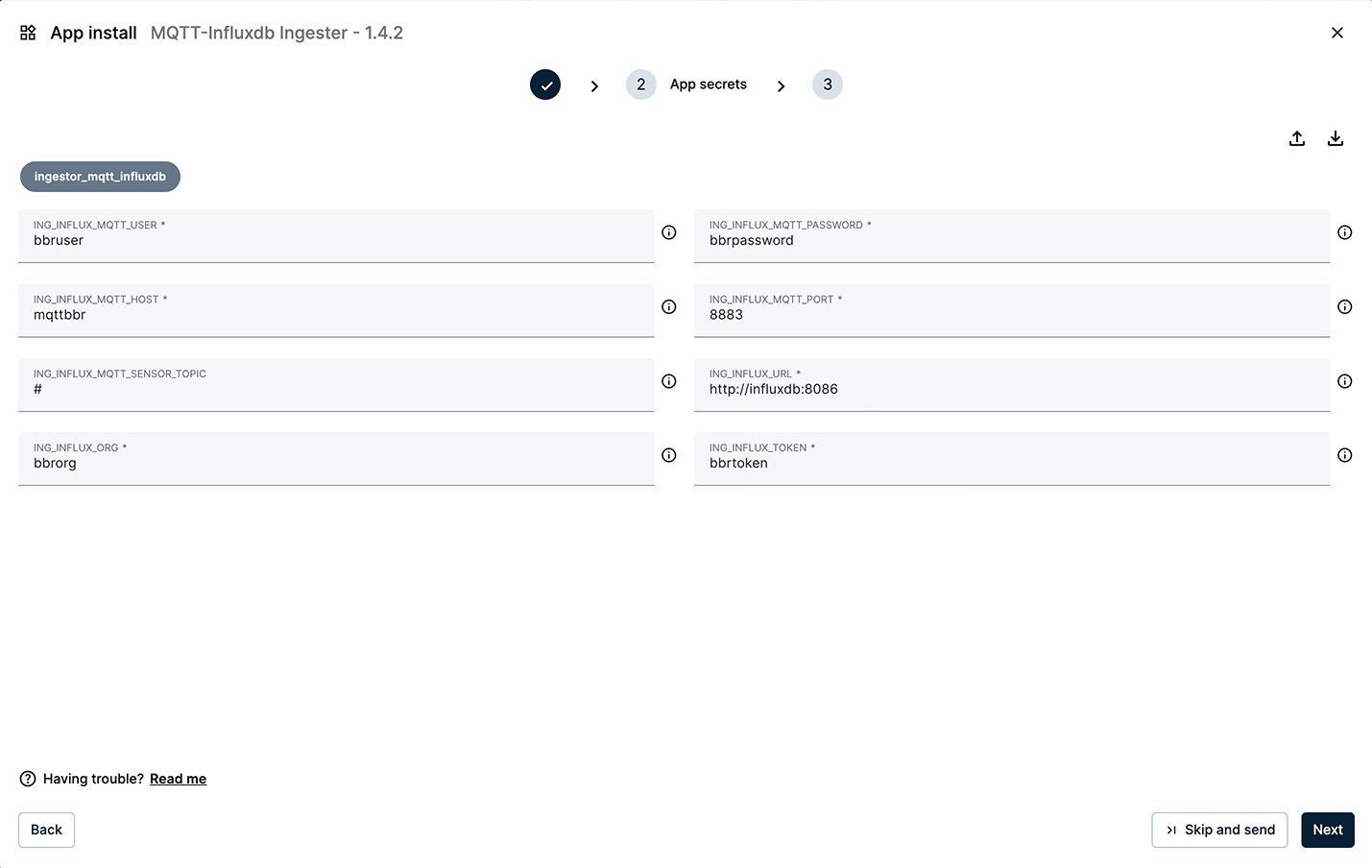
Keep the default values for the App Secrets
3) App Config
Paste the following App Config configuration into the editor. This configures the ingester to listen to the necessary data streams.
{
  "ingestorMqttInfluxdb": {
    "inputs": [
      {
        "bucketInflux": "bbrbucket",
        "deviceDisplayName": "cnc01",
        "measurementInflux": "cnc01",
        "type": "read"
      }
    ],
    "system": {
      "bucketAutoCreate": true,
      "bucketAutoCreateRetention": "90d",
      "debugLevel": "info",
      "forceType": true
    },
    "skipped": []
  }
}
Some of the key fields in this configuration file are:
- bucketInflux: The name of the InfluxDB bucket where data will be stored (bbrbucket).
- deviceDisplayName: The device/topic identifier used to filter messages in the MQTT Broker (cnc01).
- measurementInflux: The measurement name to identify the time series when writing into InfluxDB (cnc01)
You can download the configuration file from here: app_config.json.
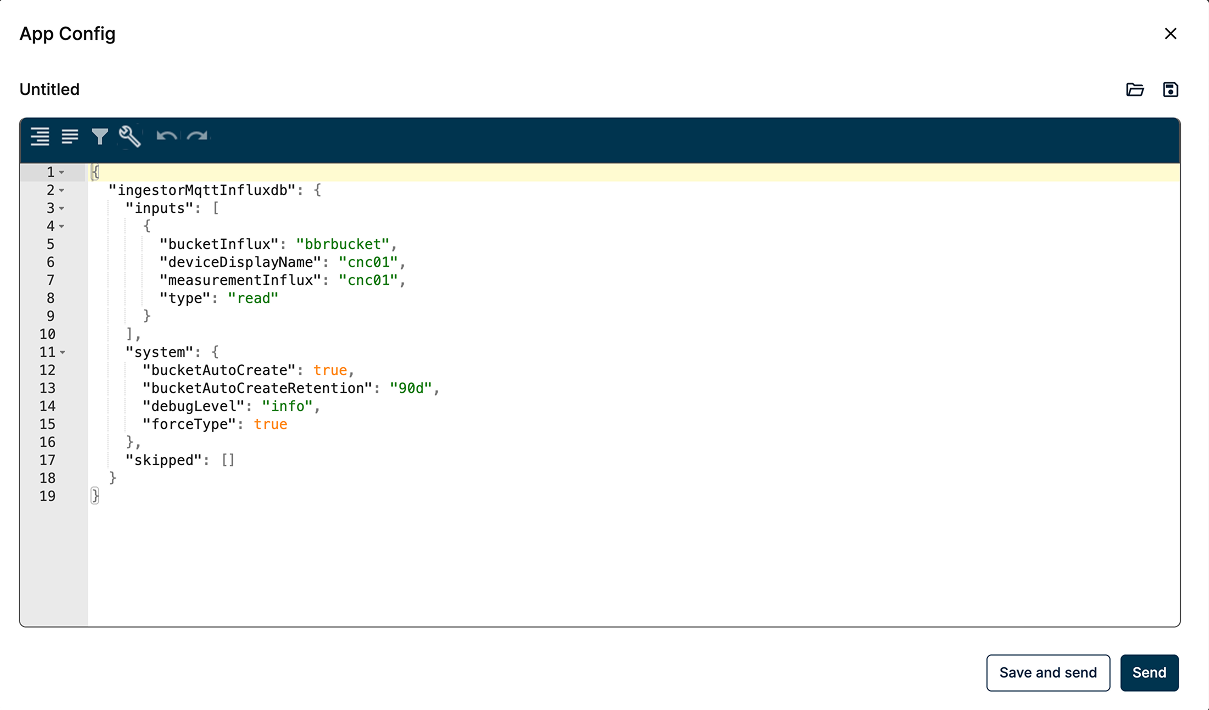
Paste the App Config data in the App Config editor
When finished, click Send to deploy the application to the node. The new card will appear under Apps & Models.
Verify that the data is being ingested
To verify that the data is flowing into InfluxDB, open its web interface at http://[EDGE_NODE_IP]:8086 (or refresh the page if you have it open).
As before, log in using the following default credentials:
- Username:
bbruser - Password:
bbrpassword
Once inside, go to Data Explorer and select the bucket bbrbucket and the measurement cnc01 to confirm that new points are being stored and displayed.
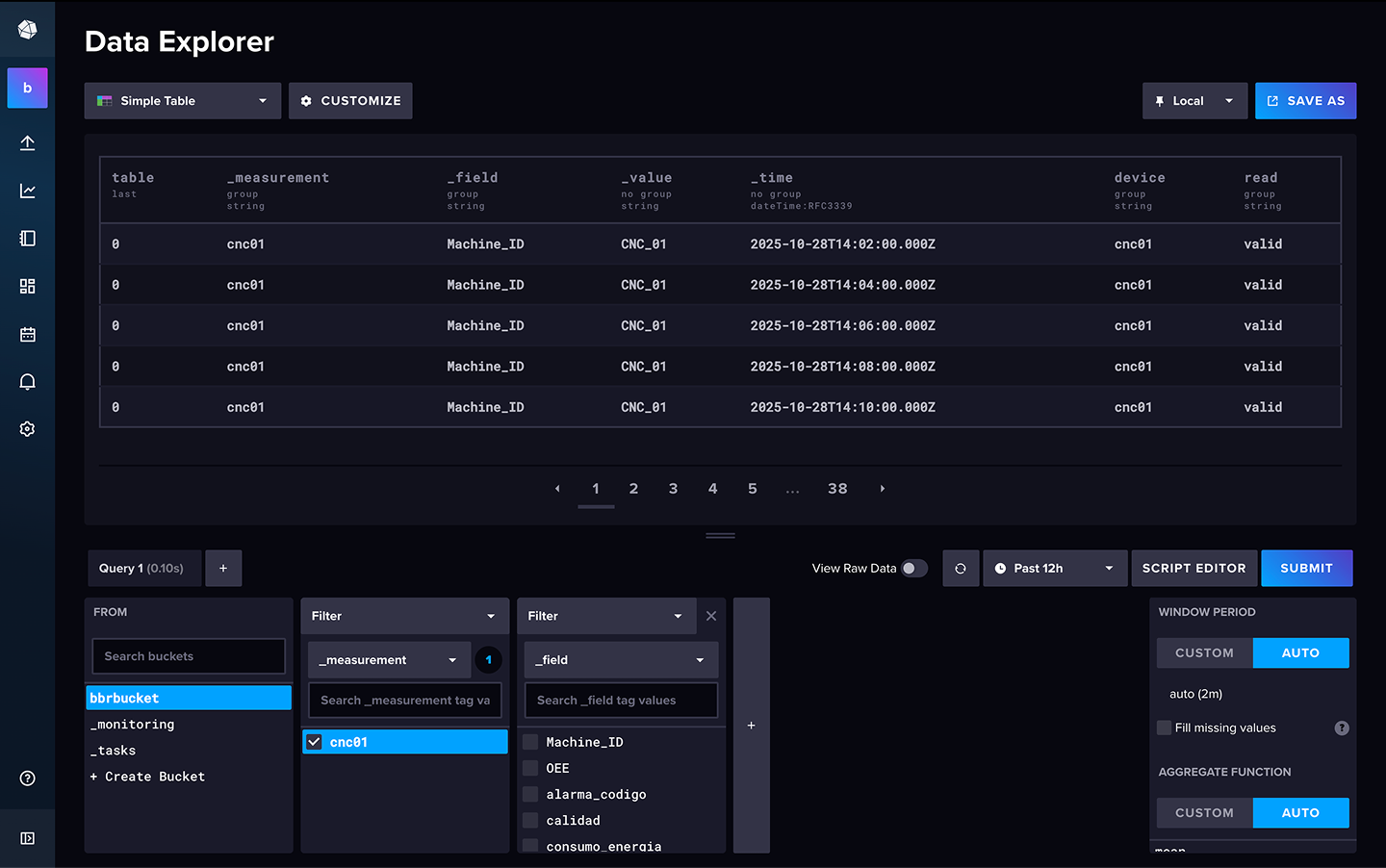
InfluxDB displaying stored data
Summary
You have successfully deployed and configured the MQTT-InfluxDB Ingester, and verified that data is being stored persistently in the InfluxDB database. Next, you will deploy a visualization layer to read from this database and build a dashboard.